Key Takeaways
- Most customers never answer a survey. Survicate's 2025 benchmark puts the median response rate at 9.98%, so the rest of the signal has to come from the conversations.
- Helply builds CSAT surveys into the help desk. Its Churn Agent monitors conversations for frustration and sentiment changes, so unhappy customers surface even when they skip the survey.
- Survicate and SurveySparrow lead for standalone surveys. Simplesat and Nicereply lead for CSAT fired from the help desk you already use.
- Delighted shut down on June 30, 2026, and Qualtrics is its official migration path. Qualtrics CX pricing is quote-only, and Vendr puts the median Qualtrics contract at $30,000 a year.
- Check how each tool counts responses. SurveyMonkey bills $0.15 per extra response, and Typeform takes every form private at its monthly cap unless you auto-upgrade. Helply's CSAT surveys carry no per-response fee.
On June 30, 2026, Delighted went dark. Qualtrics retired the product it acquired, stopped shipping features, and set a date to delete customer data.
Teams that chose Delighted for its simplicity were offered one official path: migrate to Qualtrics. Its CX pricing is quote-only, and G2 lists about 3 months for implementation.
If you run support or customer success, you have probably felt a smaller version of this for a while.
You send a CSAT survey after a ticket closes. A handful of people answer. The score sits in a dashboard nobody opens. And when a customer churns, the survey never saw it coming.
Built-in help desk surveys usually fire once, after the ticket is solved. Zendesk's email survey, for example, goes out 24 hours after resolution.
The enterprise options draw the opposite complaint. The cons G2 reviewers tag on Qualtrics include complexity, "not intuitive," and "expensive."
This guide compares the best customer satisfaction survey tools for 2026, grouped by how they work. First comes a support platform that treats satisfaction as one signal among many, then standalone survey builders, then helpdesk-native CSAT tools.
Each entry includes current pricing, response limits, pros and cons, and who it fits.
Customer Satisfaction Survey Tools at a Glance
The table below maps each contender against the factors that decide fit for a B2B team.
| Tool | Best for | Starting price | Pricing model | Free tier | Helpdesk-native |
|---|---|---|---|---|---|
| Helply | CSAT inside the help desk, plus churn signals from conversations | Help desk plans from $49/mo; 15% off billed annually | Plan plus AI credits, unlimited users | 14-day trial with 1,000 credits | Is the help desk |
| Survicate | Surveys triggered by email, website or in-product | $56/mo; Starter $89 billed monthly | Response and data-point tiers | Free plan (25 responses/mo) + 10-day trial | No |
| SurveySparrow | Chat-style surveys | $19/mo billed yearly ($39 billed quarterly) | Yearly or quarterly response pools, per user | Free plan (75 responses/qtr) + 14-day trial | No |
| SurveyMonkey | General-purpose surveys | Advantage $34/mo billed annually (Standard $35 monthly); Team $25/user, 3-user minimum | Per plan or per user, plus $0.15 per extra response | Basic plan, limited responses per survey | No |
| Typeform | One-question-at-a-time forms | $28/mo ($39) | Monthly response cap pooled across forms | Free plan (10 responses/mo) | No |
| Qualaroo | On-site and in-app nudges | Nudges on Business, $49.99/mo ($69.99) | Email sends and pageviews, unlimited responses | Free plan (50 responses) | No |
| Zonka Feedback | Omnichannel, including SMS, WhatsApp and kiosk | Custom quote | Responses plus AI data credits | 14-day trial, booked through a demo | No |
| Qualtrics | Enterprise research programs | CX quote-only; research plan $420/mo billed annually | Custom quote | Free Surveys account (500 total responses) | No |
| Simplesat | One-click CSAT from your help desk | $109/mo ($119) | Per response, unlimited agents | 14-day trial | Yes |
| Nicereply | In-signature CSAT scored per agent | $59/mo ($79) | Responses plus users, automatic upgrade | 14-day trial | Yes |
*Annual-billed prices shown first where a vendor offers both, with the monthly price in brackets. Prices as of September 2026.
Why a CSAT Score Needs the Customer Behind It
An average satisfaction score smooths out the noise, and it hides the customer you needed to see. One unhappy rating can come from an account worth a six-figure renewal, or from a subscriber about to cancel.
That is why the customer record matters more than a company-wide number. The useful question is not "what is our CSAT this month." It is "which customers are unhappy, what are they worth, and who owns the follow-up."
Survey tools answer the first question well and the second one barely at all. A survey score cannot see the renewal date or the latest order. A ticket attached to the customer record can.
The CSAT Mirage: Why Most Satisfaction Programs Stall
A healthy-looking CSAT dashboard hides a sampling problem. Most customers never answer. Survicate's 2025 benchmark of 4,332 surveys found a median response rate of 9.98%, so the score reflects a small, self-selected slice.
The people who answer skew toward the extremes: the delighted and the enraged. Worse, agents sometimes choose who gets surveyed, sending only after they sense the mood is good. The number on the dashboard reflects the loudest customers more than the typical one.
Then the loop breaks entirely. Collecting feedback you never act on is arguably worse than collecting none: it teaches customers that responding is pointless. When nothing visibly changes as a result of their answer, they stop giving one.
Three things about the setup keep the loop broken:
- Surveys sit apart from the workflow, so acting on a score means switching tools and hunting for context.
- Fatigue sets in, and response rates fall further, shrinking the sample.
- No one owns follow-up, so scores get logged and forgotten.
Detached from the ticket and the account, feedback is hard to act on, so nobody does, and customers stop answering. The fix starts with putting satisfaction where the work already happens.
What to Look for in a CSAT Tool
Sticker price is the wrong first question. These five factors decide whether a tool earns its place in a support stack.
- Pricing model, not just the headline number. Per-response overages and pooled response caps punish the months when you collect the most feedback. A tool that looks cheap at 100 responses can get painful at 3,000.
- How surveys get triggered. The best response rates come from surveys that fire at the right moment: right after a ticket closes, after onboarding, or before a renewal. Manual sending invites cherry-picking, where agents only survey happy customers.
- Where the data lands. A score that lives apart from your CRM and helpdesk is hard to act on. Look for tools that attach feedback to the ticket, the agent, and the account.
- The metric mix. CSAT, NPS, and CES measure different things. A tool locked to one metric limits what you can learn.
- Whether it connects to the customer. A detractor can be a six-figure renewal or a subscription about to lapse. The tool should show which customers are at risk, not just an aggregate percentage.
CSAT vs NPS vs CES: Which Metric to Measure and When
A practical rhythm is transactional CSAT and CES after support and onboarding, plus a relationship NPS survey each quarter.
| Metric | What it measures | When to send | Sample question |
|---|---|---|---|
| CSAT | Satisfaction with a specific interaction | Right after a ticket or purchase | "How satisfied were you with this support?" |
| NPS | Long-term loyalty and referral intent | Quarterly, relationship-level | "How likely are you to recommend us?" |
| CES | Effort required to get something done | After a task or resolution | "How easy was it to resolve your issue?" |
CSAT captures how a single moment felt. NPS tracks whether customers stay and advocate over time. CES finds the friction that drives people away.
A practical rhythm is transactional CSAT and CES after support and onboarding, plus a relationship NPS survey each quarter.
The Best Customer Satisfaction Survey Tools for Support Teams
The tools below split into three groups:
- The support platform that reads satisfaction as one signal among many
- Standalone survey builders
- Helpdesk-native CSAT tools.
Helply: Best for CSAT Built Into the Help Desk
Helply is an AI-native customer support platform. It runs your inbox, tickets and AI agents in one product. CSAT surveys come built in, so you have no separate survey subscription to connect.
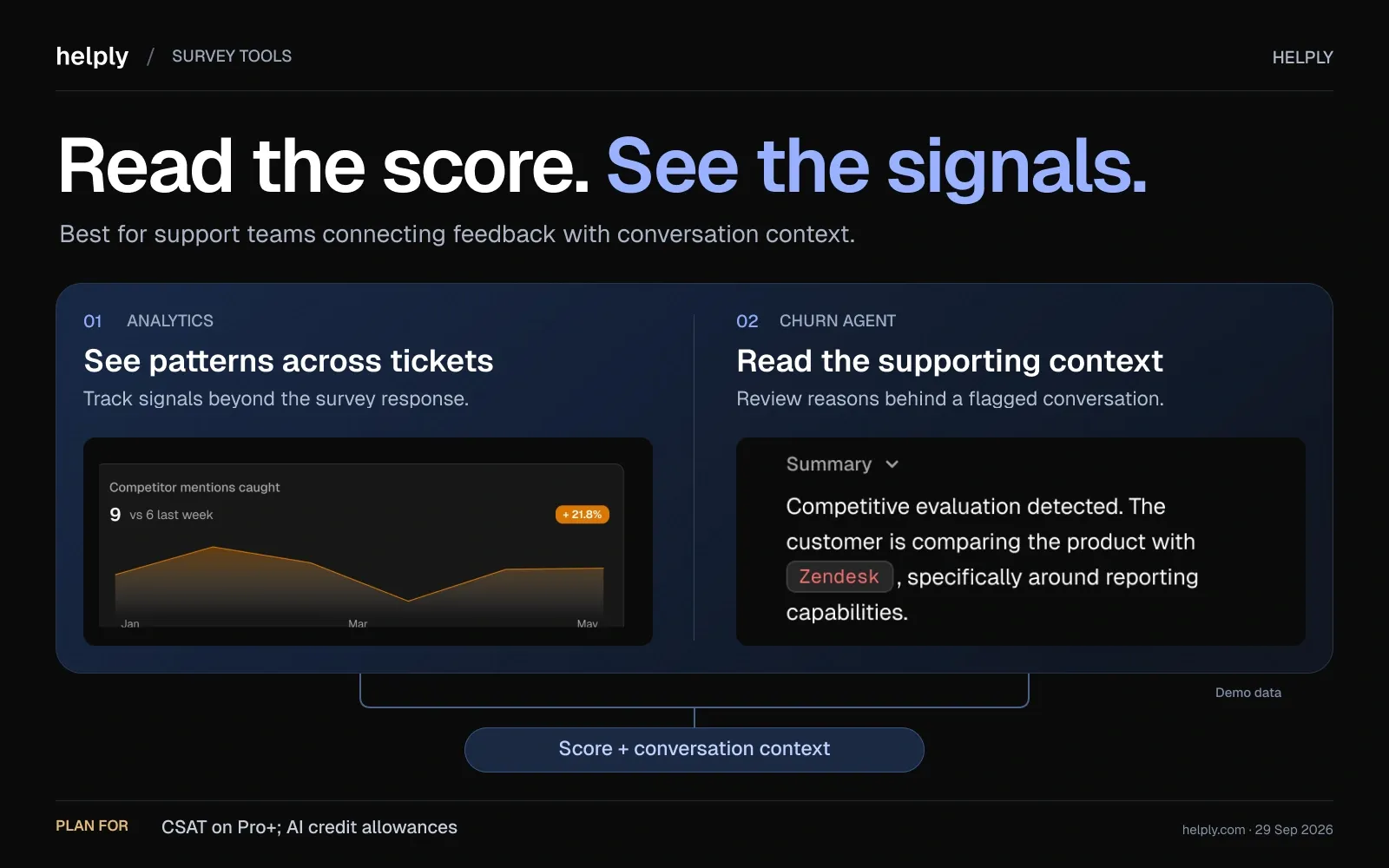
Surveys run inside the same help desk that holds the ticket, past conversations and account details. The score and the context sit in one product.
The bigger shift is what Helply reads without a survey. The Churn Agent monitors conversations for frustration, churn risk, recurring issues and sentiment changes. When it spots one, it alerts the right teammate, updates the customer record or triggers a workflow.
Key features
- Built-in CSAT surveys. Satisfaction surveys come with the help desk, so there is no per-response survey bill on top.
- Churn Agent on every plan. It monitors conversations for frustration and sentiment changes. An unhappy customer surfaces without a survey reply.
- Insights Agent. It groups questions, complaints and feedback across customers and flags emerging problems. StaffTraveler gets a daily briefing on what its million-plus users are asking.
- Analytics. Analytics tracks customer feedback next to response times, resolutions, escalations and AI agent performance.
Pricing
At $49 a month, you get 500 AI credits and unlimited users. Larger credit blocks cost more. Every plan includes the Churn Agent and the other AI agents.
AI work runs on credits: 1 for a draft, 4 for a lookup, 12 for a full investigation. You can try it for 14 days on 1,000 credits without a card.
Pros
- CSAT runs in the same product as the ticket and the customer record, so follow-up needs no export or second tool.
- The Churn Agent flags unhappy customers who never answer a survey.
- Unlimited users and no per-response fee. Adding a teammate or collecting more ratings does not raise the bill.
Cons
- It is a support platform, not a research or VoC tool, so large survey studies are not its purpose.
- Your costs climb with AI use, because the price follows your credit block.
- Helply replaces your help desk rather than plugging into it.
The Best Standalone Customer Satisfaction Survey Tools
Standalone survey builders are flexible and channel-rich. The trade-off is the same for all of them: the data lives in their dashboard, not your support workflow, so tying a score back to a ticket, an agent, or an account takes extra integration work.
Survicate: Best for Triggered In-Product Microsurveys
Survicate runs short surveys by email, on your website and inside your product or app.
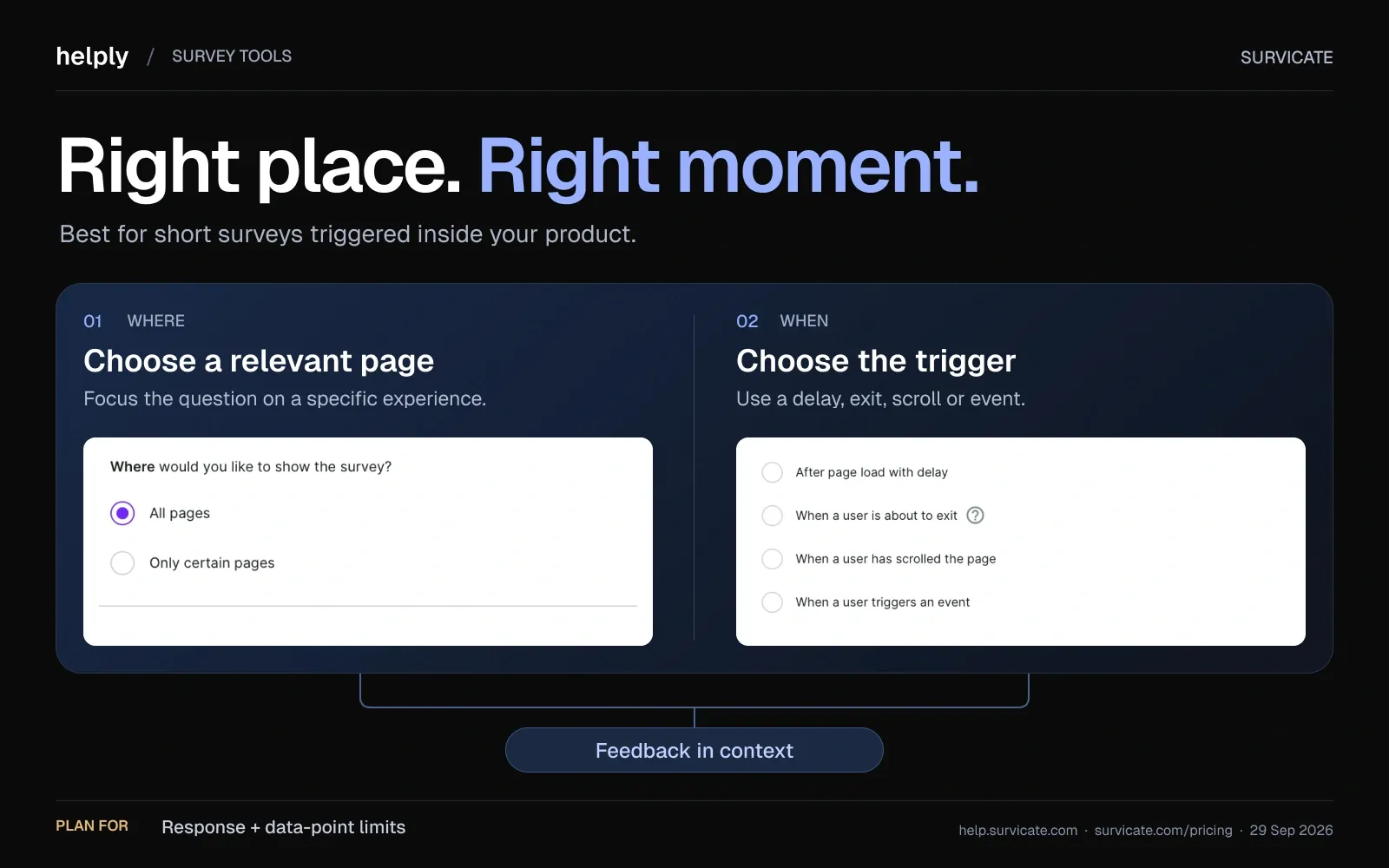
It fits teams that want to ask one or two questions in context instead of emailing a long form.
It is a strong fit for teams that want to ask one or two questions in context instead of emailing a long form.
Key features
- Triggered microsurveys. Target by URL or exit intent on every plan. Custom-event and behavior targeting starts on Pro.
- AI categorization and sentiment. Open-text answers get AI themes and sentiment from the Growth plan up.
- CRM and helpdesk sync. Zendesk connects on every plan, HubSpot and Intercom from Growth, and Salesforce, one-way, from Pro.
Pricing
The free plan covers 25 responses a month and one active survey. Growth starts at $56 a month billed annually for 100 responses, and $114 buys 250.
Billed monthly, Starter starts at $89. Pro starts at $349 and Enterprise at $569. The 10-day free trial needs no card.
Pros
- Surveys fire on a URL, on exit intent or, on Pro, on custom product events.
- AI themes and sentiment start on Growth, from $56 a month billed annually.
- Email, link, website, in-product, mobile SDK, kiosk and QR are on every plan.
Cons
- Event targeting and Salesforce need Pro, which starts at $349 a month.
- Response and data-point limits mean a busy month can force a tier upgrade. Monthly Starter charges for each response over its cap.
Best for
Product and CX teams that want short surveys inside their product, website and email.
SurveySparrow: Best for Conversational, Chat-Style Surveys
SurveySparrow presents surveys as a chat-like conversation instead of a static form.
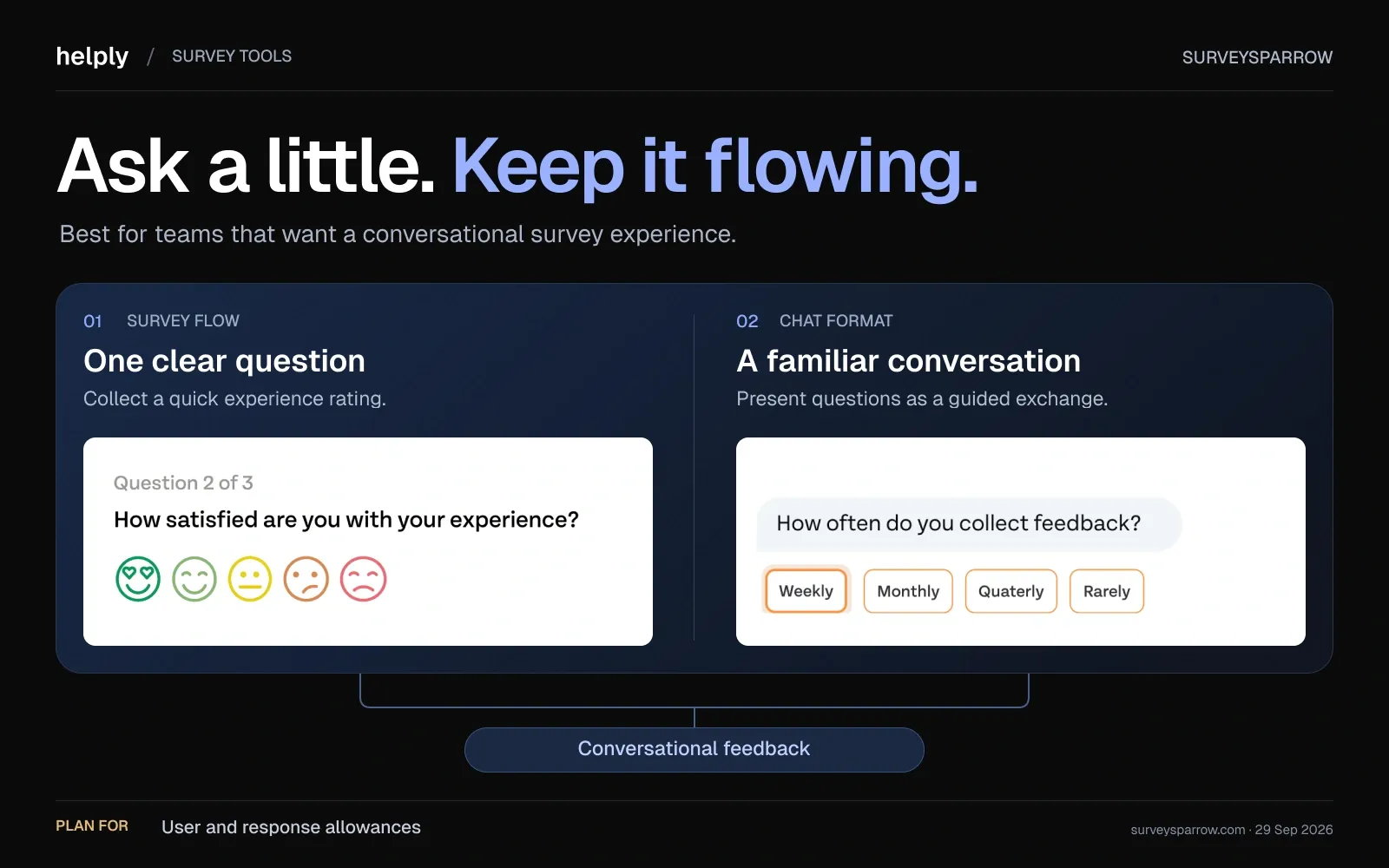
Teams pick it for the format, which SurveySparrow says lifts response rates.
Key features
- Conversational format. Chat surveys are on every plan, including Free.
- CSAT, NPS and CES. Each Surveys plan includes one active CX survey. Full CSAT, NPS and CES programs sit in the separate CX Suite, sold on an Enterprise quote.
- Recurring surveys. Automate quarterly NPS or post-support CSAT on a schedule from the Business plan.
Pricing
The free plan covers 75 responses a quarter. Billed yearly, Basic is $19 a month for 2,500 responses a year and 1 user.
Starter is $30 a month on sale from $39, for 15,000 responses a year. Business is $60 on sale from $79, for 36,000 a year and 3 users. Quarterly billing costs $39, $59 and $149, and extra users are $49 each a month.
Pros
- Chat-style surveys on every plan, including Free.
- Large yearly response pools for the price.
Cons
- Extra users cost $49 each a month.
- Zendesk, Intercom and Freshdesk integrations start on Business, and WhatsApp and SMS need Enterprise.
- Key-driver analysis and full CX programs need Enterprise.
Best for
Teams whose response rates are stalling and who want a friendlier survey format.
SurveyMonkey: Best for General-Purpose Surveys at Scale
SurveyMonkey is the mainstream default, with a large template library and broad reach.
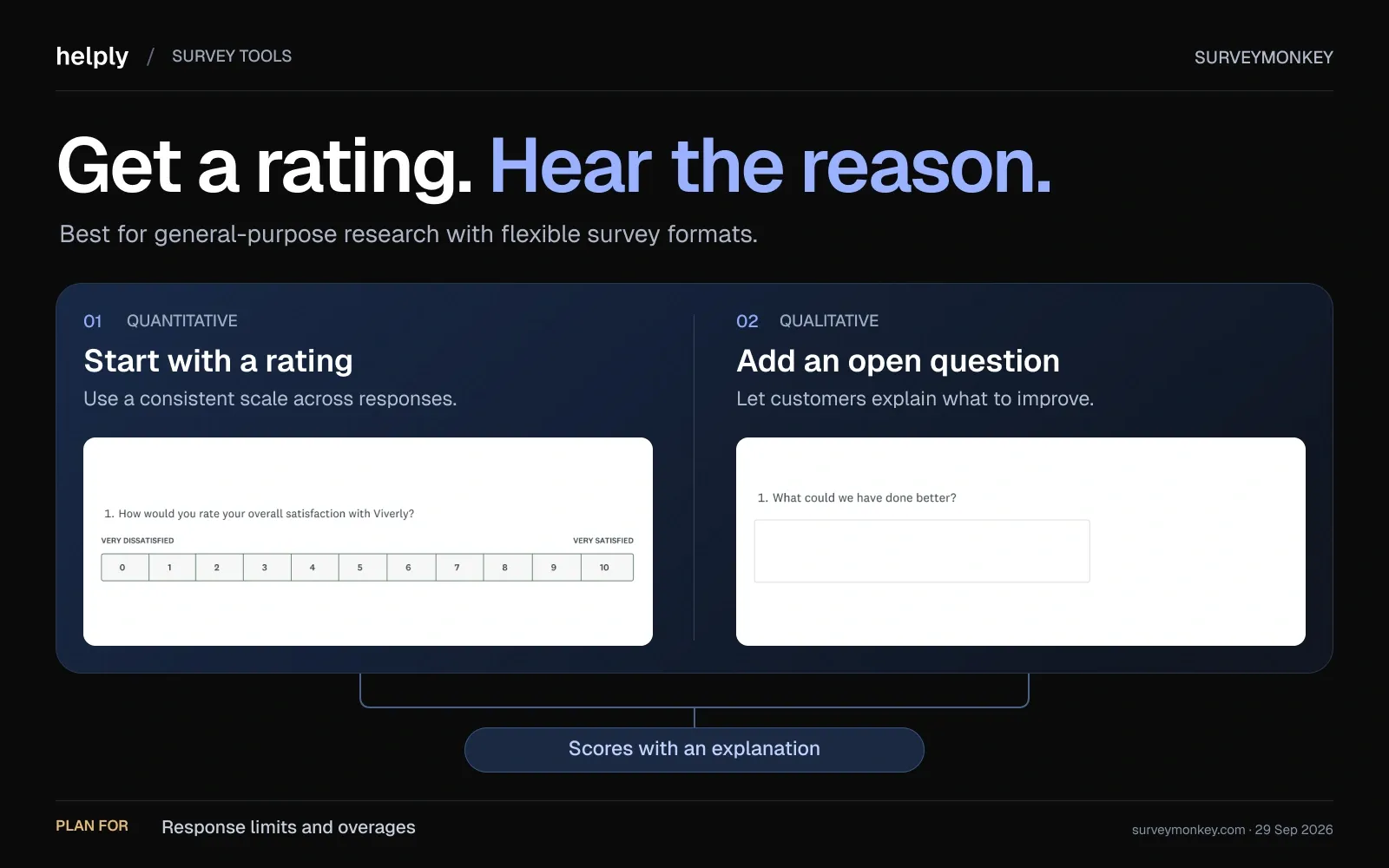
It handles CSAT and NPS well, but its pricing model is where support teams get surprised.
Key features
- Template breadth. Expert-written CSAT, NPS and market-research templates cover most survey needs.
- AI analysis. Thematic analysis groups open-ended answers into themes on Advantage and Team plans.
- Integrations. HubSpot and 200+ other integrations are included on paid plans. Salesforce is an Enterprise add-on.
Pricing
Standard is $35 a month billed monthly, with 1,000 responses a month. Advantage is $34 a month billed annually, with 15,000 responses a year.
Team Advantage is $25 per user a month and Team Premier $75, both billed annually with a 3-user minimum. Extra responses cost $0.15 each, and the free Basic plan shows a limited number of responses per survey.
Pros
- A large template and question-type library shortens setup.
- One response pool covers every survey and user on the plan.
Cons
- Extra responses cost $0.15 each once the pool runs out, so 2,000 over plan adds $300.
- Team plans need at least 3 users billed annually, and Salesforce needs Enterprise.
Best for
Teams running many survey types, from CSAT and NPS to market research, with predictable yearly volume. It is not built for post-ticket support feedback.
Typeform: Best for One-Question-at-a-Time Forms
Typeform shows one question per screen, which makes a form feel closer to a conversation.
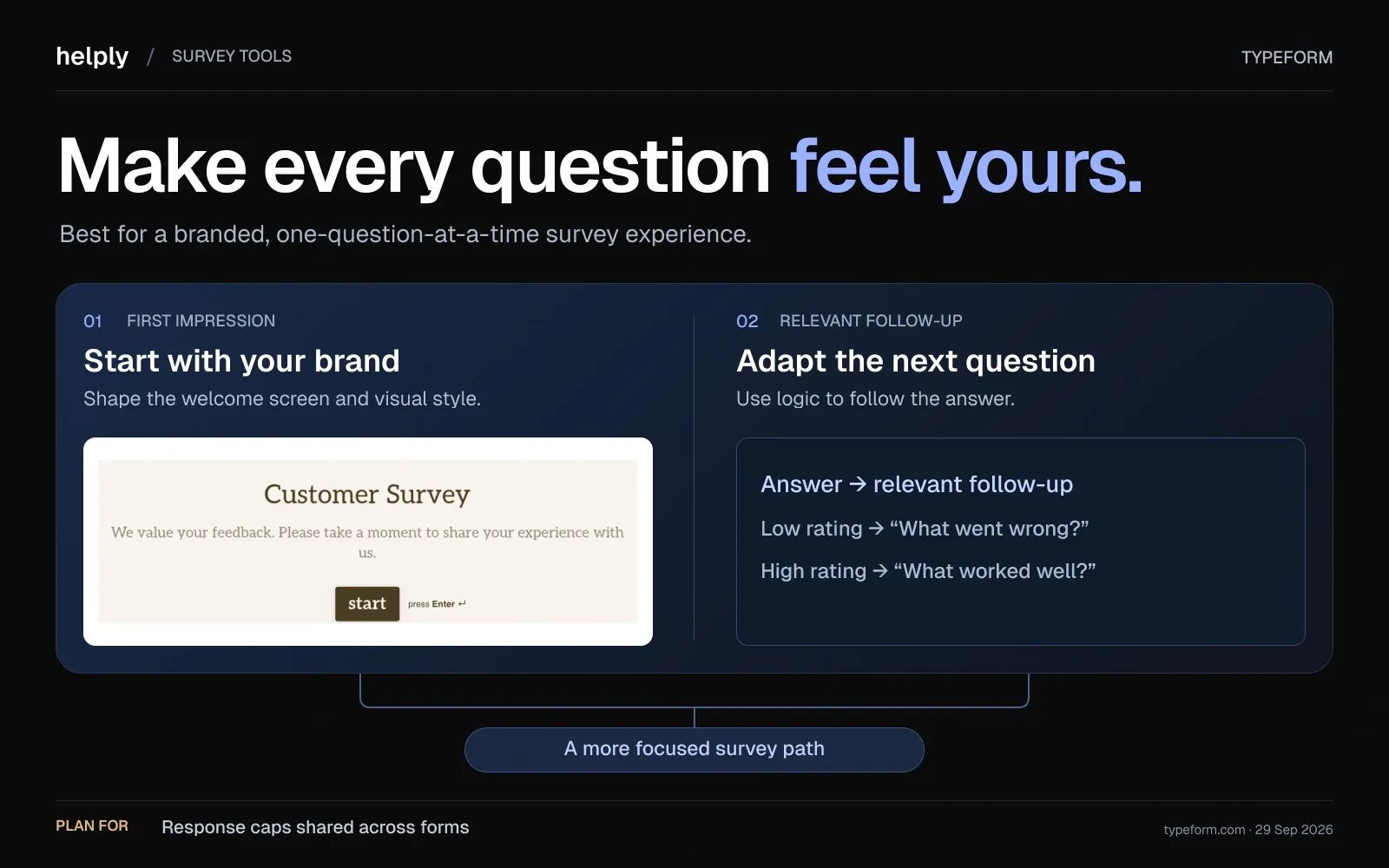
The design is the appeal, and the monthly response caps are the limit.
Key features
- One question at a time. Typeform says its conversational format doubles completion rates compared with traditional forms.
- Design control. Remove Typeform branding from Plus. Custom fonts and custom domains are Enterprise only.
- Logic and follow-ups. Conditional logic starts on Basic. Email and SMS follow-ups need Growth Flow.
Pricing
Free covers 10 responses a month. Billed yearly, Basic is $28 a month for 100 responses a month, Plus is $56 for 1,000 and Business is $91 for 10,000.
Billed monthly, they cost $39, $79 and $129. Growth Flow is $266 a month billed yearly, Enterprise is custom, and response limits are pooled across all your forms.
Pros
- The one-question flow makes a long survey feel short.
- HubSpot connects on every plan, including Free.
Cons
- Response caps are shared across every form, so one popular survey can use up the whole plan.
- At the cap, every form goes private until next month, unless auto-upgrade moves you to the next tier.
Best for
Marketing and product teams that value form design and collect a predictable number of responses each month.
Qualaroo: Best for On-Site and In-App Nudges
Qualaroo, a ProProfs product, runs small targeted "Nudge" surveys on your website or inside your app.
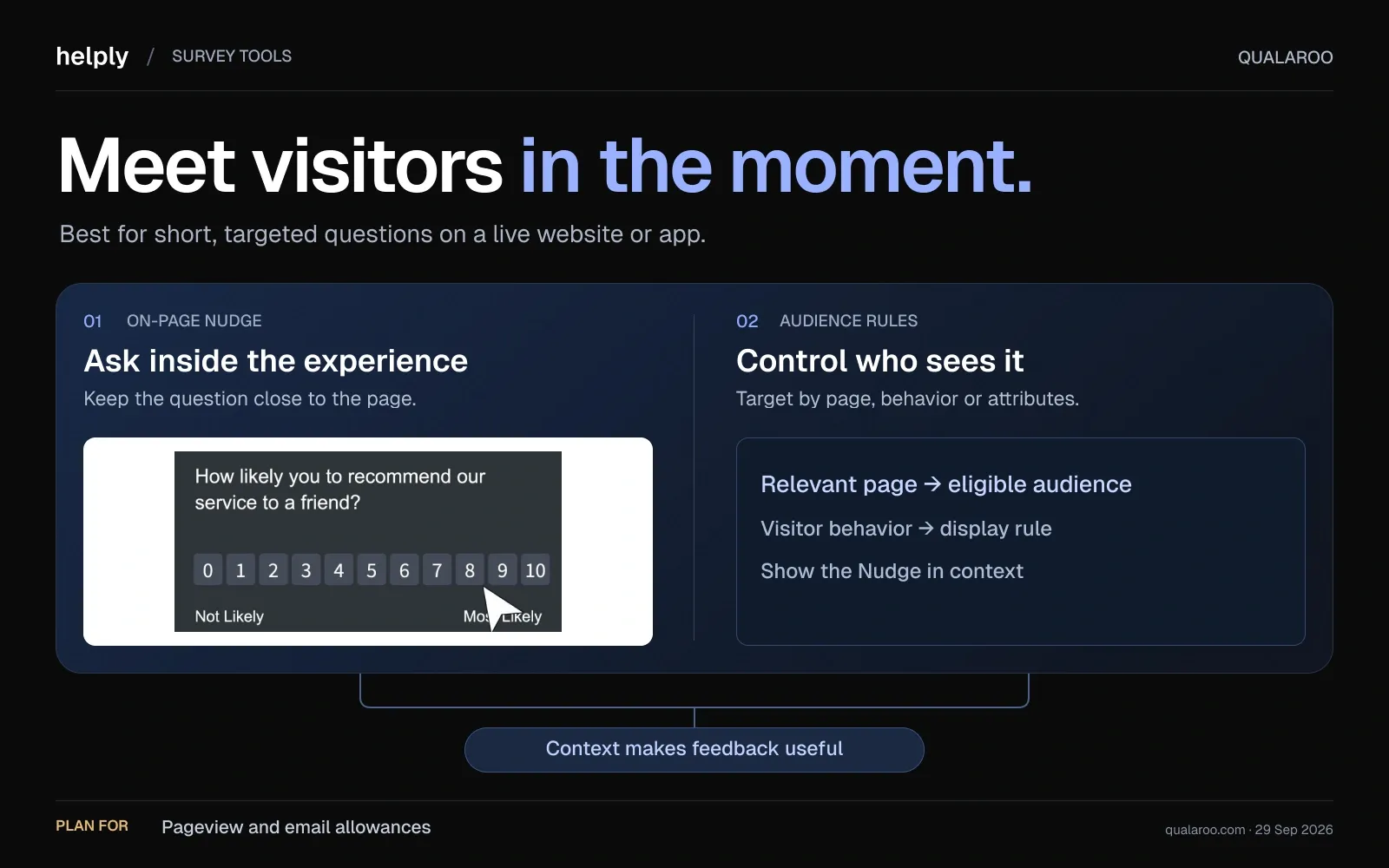
It is built for UX and website feedback more than post-support CSAT.
Key features
- In-context Nudges. Target by identity, behavior, cookies, custom properties or location on web, iOS and Android.
- Unlimited responses on paid plans. Limits come from email sends and, for Nudges, pageviews.
- Sentiment analysis. IBM Watson scores open-text sentiment and emotion. The pricing page lists it on Free and Enterprise.
Pricing
Free covers 50 responses. Nudges need Business at $49.99 a month billed annually ($69.99 monthly), with 5,000 email sends and 100,000 pageviews.
Essentials, at $19.99 a month billed annually ($39.99 monthly), covers email surveys through ProProfs Survey Maker. Enterprise starts at $149.99 a month, annual only.
Pros
- Unlimited responses on paid plans remove per-response anxiety.
- Precise targeting for website and in-app feedback.
Cons
- On-site and in-app Nudges start on Business, not Essentials.
- Pageview and email-send limits cap how many people see a survey.
Best for
Product and UX teams gathering on-site and in-app feedback, not support-driven CSAT.
Zonka Feedback: Best for Omnichannel Distribution
Zonka Feedback collects feedback over email, SMS, WhatsApp, web, in-app and offline kiosks.
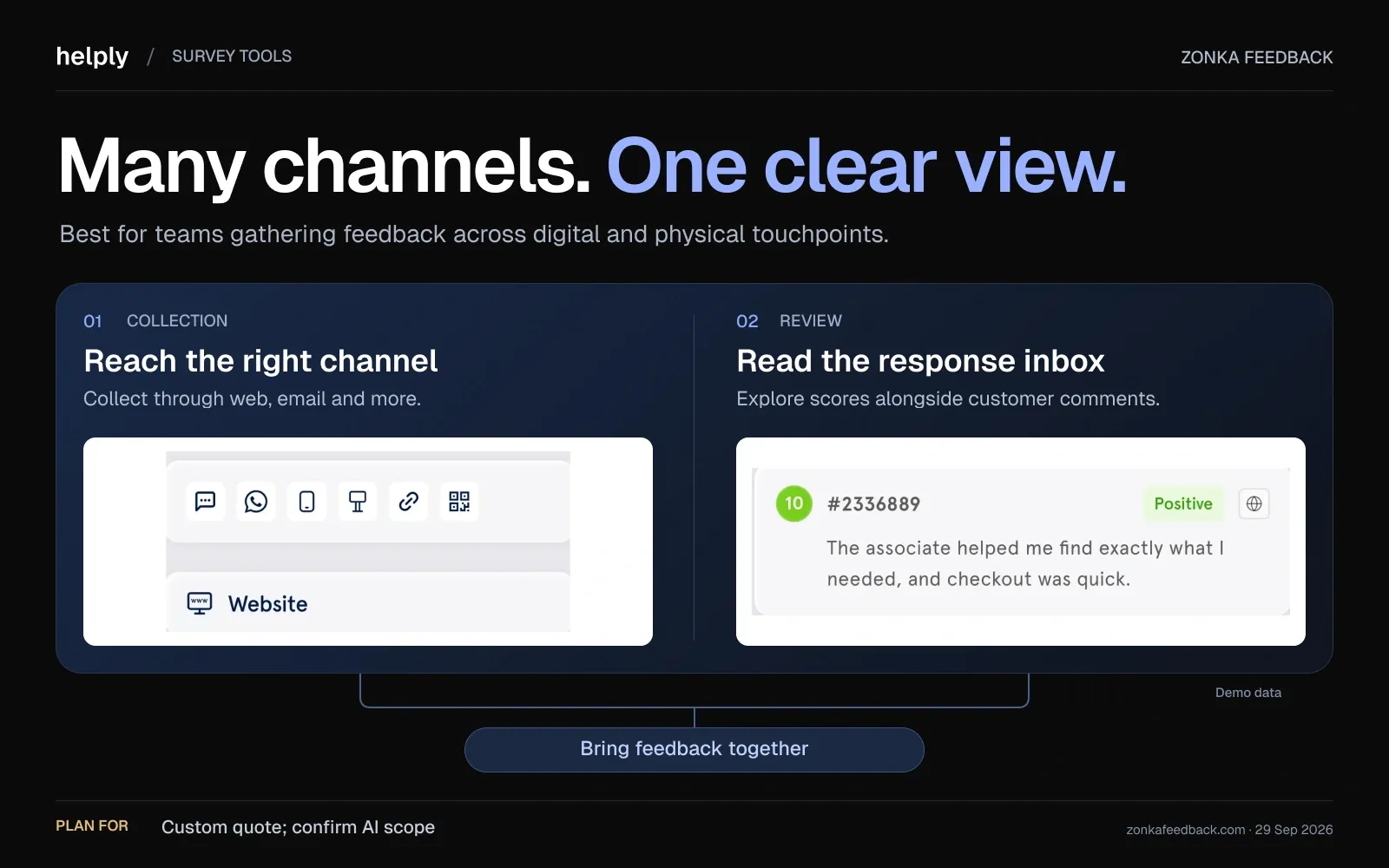
It suits teams whose customers are not all reachable by email.
Key features
- Omnichannel sending. Email, SMS, WhatsApp, website, in-app, links and offline kiosk from one platform.
- AI Feedback Intelligence. A separate product analyzes themes and sentiment across surveys, helpdesk tickets, live chat and reviews.
- Full metric coverage. CSAT, NPS and CES.
Pricing
Pricing is quote-only, based on response volume for feedback management and data credits for AI Feedback Intelligence. The two can be bundled. The 14-day trial is booked through a demo.
Pros
- Broad channel coverage, including SMS, WhatsApp and kiosk.
- Connects to Zendesk, Intercom, Freshdesk, Help Scout and Front.
Cons
- Pricing is quote-only, and even the trial starts with a demo call.
- AI analysis is a separate product with its own pricing.
Best for
Teams whose customers need SMS, WhatsApp or in-person kiosk surveys, and who can buy through sales.
Qualtrics: Best for Enterprise Research Programs
Qualtrics is the enterprise experience-management platform, and it is where Delighted customers were pointed.
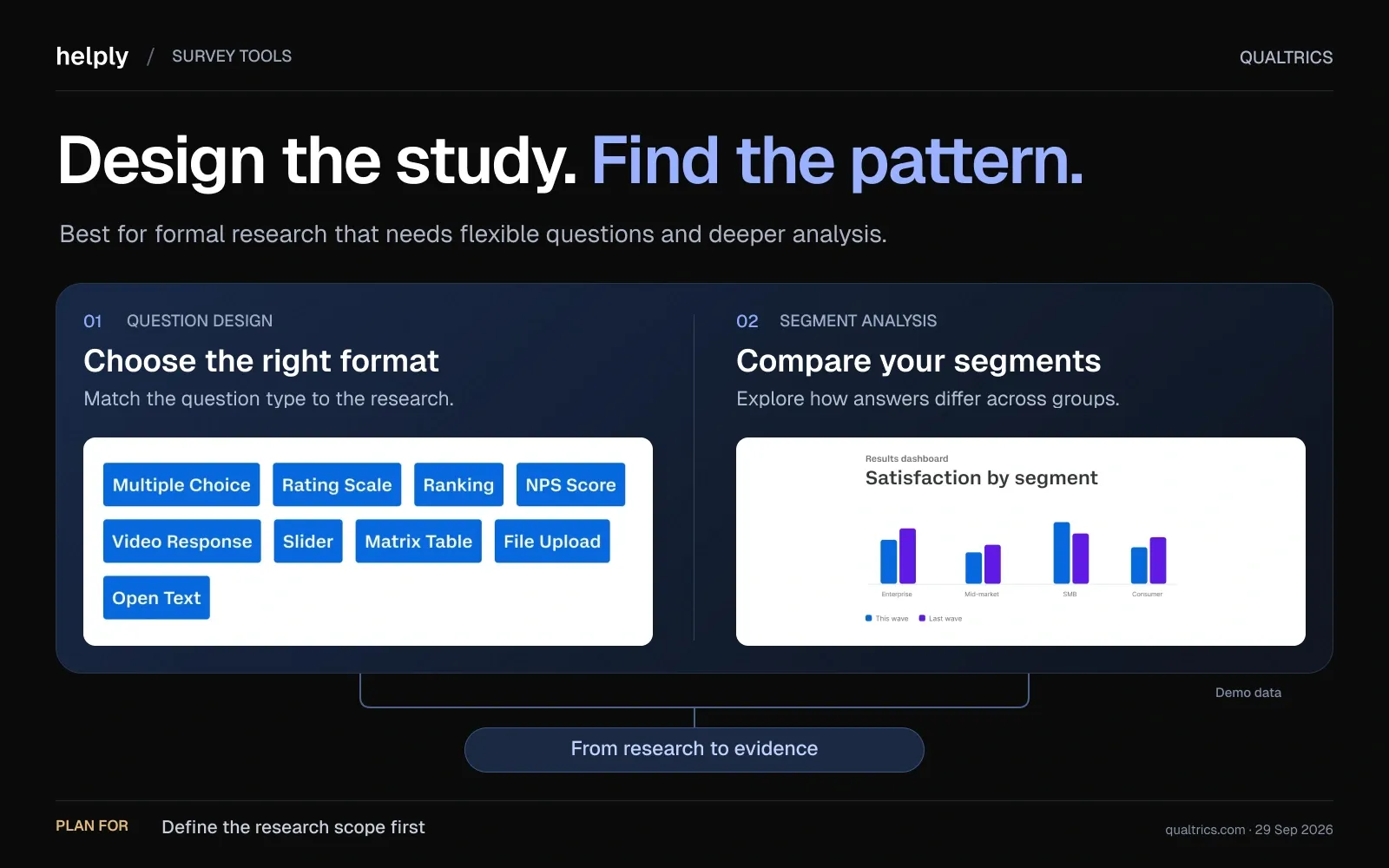
It is deep, with a cost and complexity profile to match.
Key features
- Formal research programs. Built for multi-department CX and market research with advanced study design.
- Delighted migration path. Qualtrics offers former Delighted customers a move to its XM for Customer Experience suite.
- Self-serve research plan. Strategic Research is sold online for 1,000 responses shared across all users.
Pricing
CX products are quote-only. The self-serve Strategic Research plan is $420 a month billed annually, or $5,040 a year, for 1,000 responses.
Vendr's data from 321 purchases puts the median Qualtrics contract at $30,000 a year.
Pros
- Depth for formal research and large, multi-team programs.
- A direct migration path for former Delighted customers.
Cons
- The cons G2 reviewers tag include complexity, "not intuitive" and "expensive." G2 lists about three months to implement.
- CX pricing is quote-only, which slows comparison.
Best for
Large enterprises running formal CX or market research across many departments, with staff to run it.
The Best Helpdesk-Native CSAT Tools
Helpdesk-native tools fix the biggest weakness of standalone survey builders: the trigger and the data connection.
Surveys fire automatically from ticket events, and feedback attaches to the ticket and the agent.
They get closer to Helply than any standalone tool, so the comparison comes down to what happens after the score is collected.
Simplesat: Best for One-Click CSAT from Your Helpdesk
Simplesat is built to live inside your existing helpdesk, PSA or CRM.
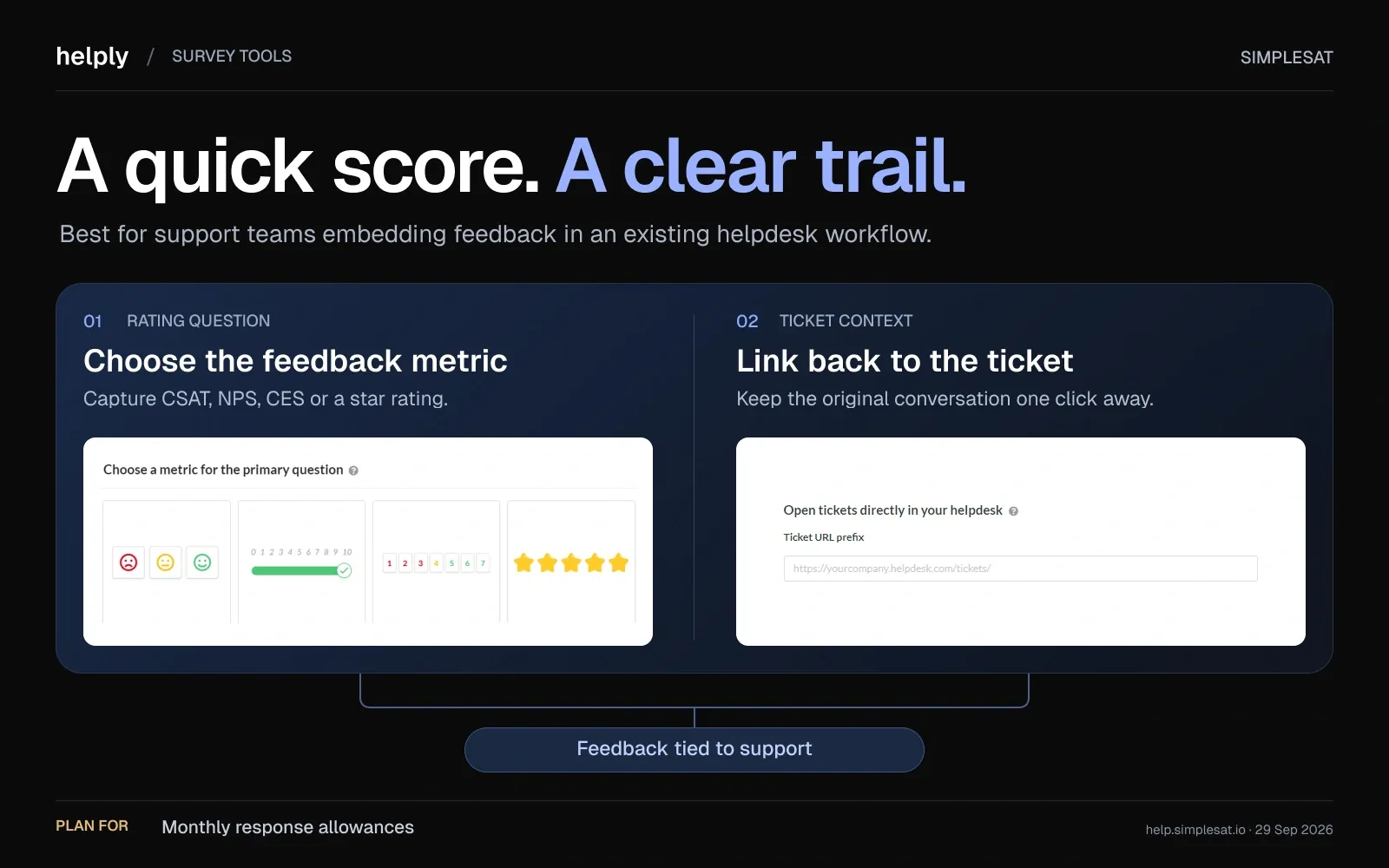
Surveys fire from within the tools your team already works in, which suits service and support teams.
Key features
- Embedded surveys. One-click CSAT, CES and NPS ratings drop into ticket replies and email signatures, so customers rate without leaving the thread.
- Helpdesk and PSA integrations. Zendesk, Intercom, Freshdesk, Gorgias, ConnectWise, Halo PSA and more, over 100 in total. Salesforce starts on Pro.
- AI topics and sentiment. Comments are grouped into topics with sentiment, automatically on Pro and above. AI-generated survey questions are on every plan.
Pricing
Billed annually, Standard is $109 a month for 1,000 responses and 5 account users. Pro is $229 (3,000, 15 users) and Elite is $459 (7,000, 30 users). Billed monthly, they cost $119, $249 and $499.
Enterprise is usage-based. On every plan you pay only when a customer submits feedback, agents are unlimited, and the 14-day trial needs no card.
Pros
- Surveys fire from inside the help desk, so feedback attaches to real tickets automatically.
- Integrations include PSA tools such as ConnectWise, Autotask and Halo PSA.
- Feedback over your limit is held until the next billing cycle, not billed as overage.
Cons
- Pricing scales with response volume.
- CES gets less emphasis than CSAT and NPS.
Best for
Support and service teams, including MSPs, that want CSAT wired into an existing help desk or PSA.
Nicereply: Best for In-Signature CSAT Tied to Agents
Nicereply embeds rating links directly in agent email signatures and post-resolution flows, then ties every response back to the ticket and the agent who handled it.
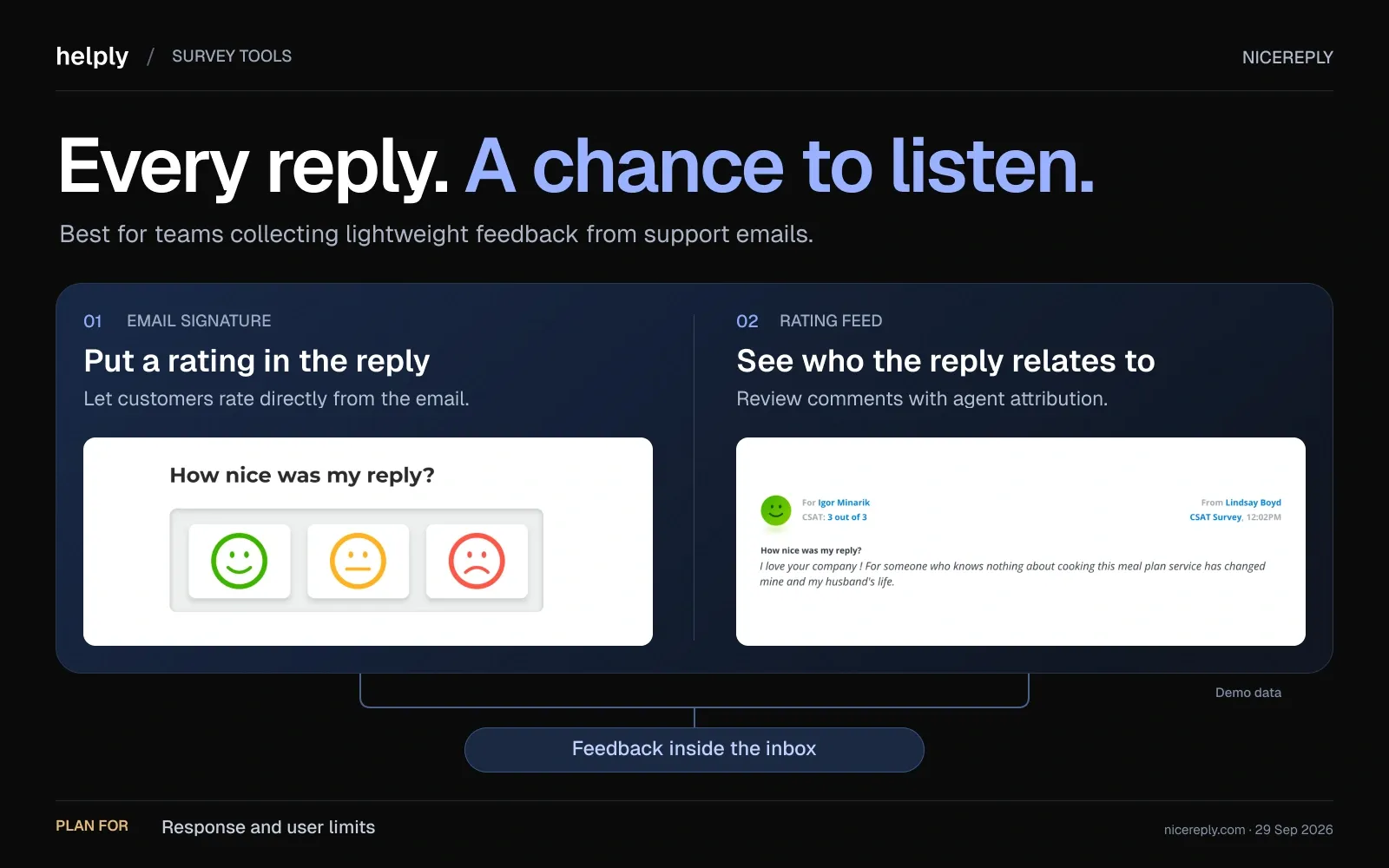
That per-agent view is what teams buy it for.
Key features
- In-signature ratings. A rating link sits in every agent's signature, so customers can score without a separate survey email.
- Agent-level reporting. Responses map to the specific agent and ticket, giving accurate per-agent CSAT.
- Multiple scales. CSAT, CES, and NPS with smiley, thumbs, 5-star, and 10-star formats.
Pricing
Billed annually, Starter is $59 a month for 100 responses and 3 users. Essential is $119 (250, 10 users), Growth is $239 (1,000, 25 users) and Business is $359 (2,500, 50 users).
Billed monthly, they cost $79, $149, $299 and $449. Go over your responses or users and the plan upgrades automatically. The 14-day trial needs no card.
Pros
- In-signature surveys increase rating volume without extra sends.
- Accurate per-agent scoring for coaching and QA.
Cons
- Plans cap both responses and users, and going over either triggers an automatic upgrade.
- No native Intercom integration (link or embed only), and no AI analysis advertised on its site.
Best for
Support teams on Zendesk, Freshdesk, Front or Help Scout that want CSAT scored per agent.
How to Design a Survey People Actually Answer
The tool matters less than the design. These practices lift response rates and make the results worth acting on.
- Keep it short. In Survicate's 2025 benchmark, surveys with 2 to 3 questions had the highest median response rate, 15.97%, against 6.87% for seven or more.
- Send it while the moment is fresh. Fire CSAT right after a resolution rather than in a monthly batch.
- Ask one clear rating question first. Lead with overall satisfaction, then add at most one open-text follow-up.
- Close the loop visibly. Tell customers what changed because of their feedback. This single habit raises future response rates and rebuilds trust.
- Do not let agents pick who gets surveyed. Automate the trigger so the sample is not skewed toward happy customers.
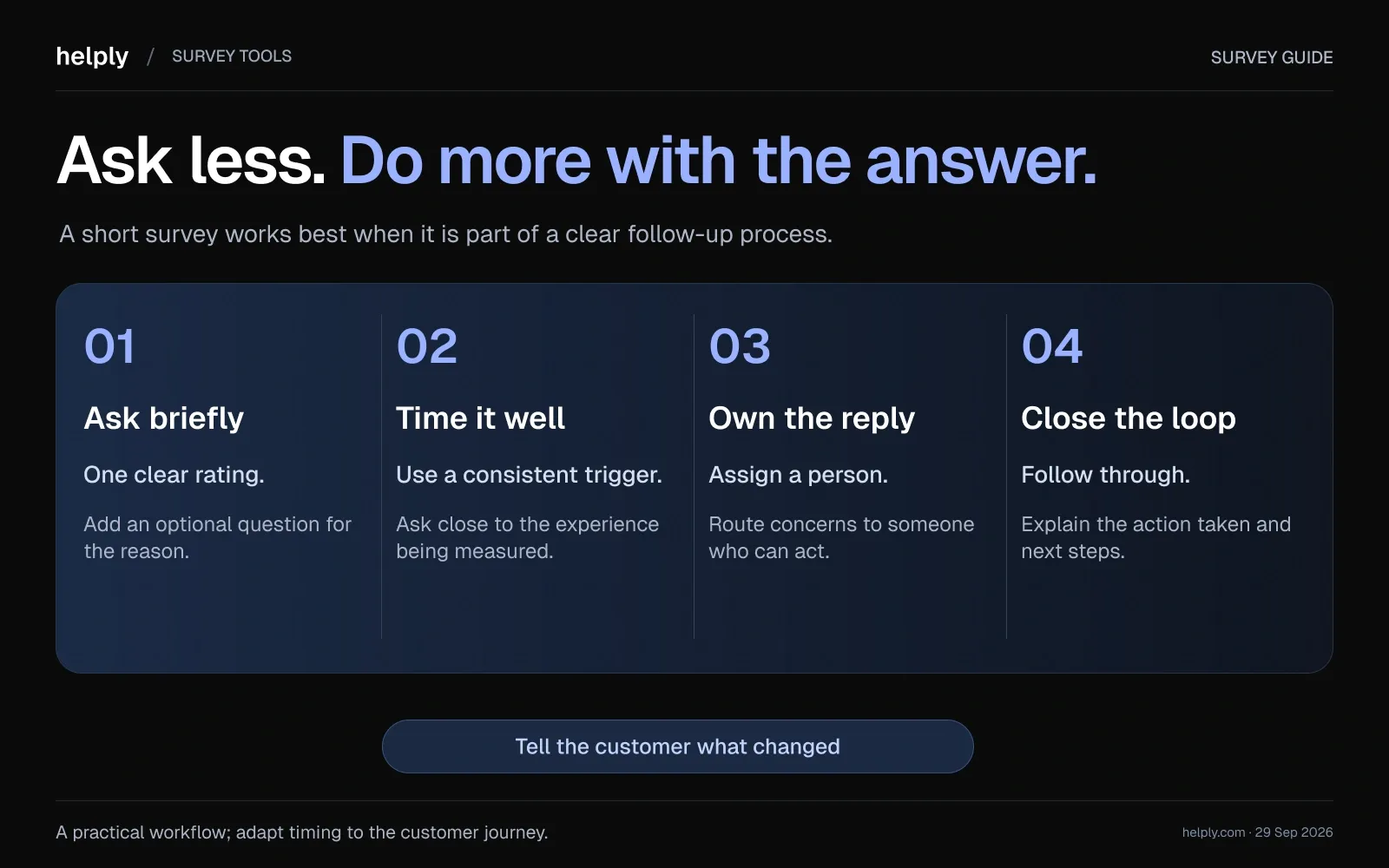
Response rates vary widely by channel. SurveyMonkey's 2025 platform data puts email surveys at a 49.17% average and website popups at 3.65%.
Benchmark against your own past rates by channel rather than chasing a generic industry figure.
Get Started With Helply!
Any of these tools will collect a satisfaction score, and for a pure survey program Survicate or SurveySparrow will serve you well. The question for a support team is what that score changes.
A number in a standalone dashboard cannot save the customer who leaves while CSAT still reads green. Nobody tied the quiet detractor to the account in time.
Helply closes that gap. CSAT runs in the same help desk as the customer record, and the Churn Agent monitors conversations for frustration and sentiment changes. It alerts the right teammate the day a signal appears.
Plans begin at $49 a month, each with unlimited users, and AI work runs on credits.
Try it for 14 days on 1,000 credits and see which customers the Churn Agent flags. The signals are already sitting in your tickets.
Frequently asked questions
It depends on where the survey fires. Helply builds CSAT into the help desk and monitors conversations for churn risk. Survicate and SurveySparrow lead for standalone surveys, and Simplesat and Nicereply for CSAT fired from an existing help desk.
CSAT measures satisfaction with a single interaction, NPS measures long-term loyalty and likelihood to recommend, and CES measures how much effort a task took, and the three work best together.
Delighted closed on June 30, 2026, and Qualtrics is the official migration path. Lighter options include Survicate, SurveySparrow, Simplesat and support platforms with CSAT built in, such as Helply.
Simplesat connects to Zendesk, Freshdesk, Intercom and Gorgias, and Nicereply to Zendesk, Freshdesk, Front and Help Scout. Plans begin at $49 a month, each with unlimited users, and AI work runs on credits.
A good response rate ranges from 5 to 30 percent depending on channel and audience, with anything above 50 percent considered excellent for transactional CSAT.
Keep it to 2 to 5 questions for the best completion rates, ideally one rating question plus a single optional open-text follow-up.
CSAT is the share of satisfied responses. On a 1-to-5 scale, count the 4 and 5 ratings, divide by total responses and multiply by 100. For example, 80 satisfied ratings out of 100 responses is a CSAT of 80%.
About the author

Bildad Oyugi
Head of Content
Bildad is a digital marketing expert with over 5 years of experience in copywriting, content marketing, and editing. Outside of work, he enjoys videography and spending time with his family.


