
 Bildad Oyugi ··12 min read

Why Teams Look Past HubSpot Service Hub
Service Hub runs on HubSpot's Smart CRM, so tickets, contacts and deals share one database. That shared record is the main reason to keep HubSpot as the CRM.
Professional runs $100 a seat a month, or $90 with annual billing, plus $1,500 for mandatory one-time onboarding. Enterprise starts at $150 a seat a month, with a $3,500 onboarding fee.
HubSpot bills its AI in credits. The Customer Agent uses 50 credits for each text conversation it resolves, and extra credits cost $0.010 each. That works out to about $0.50 a resolution, with no rollover for unused credits.
HubSpot has also been slow on help desk permissions. A Community request said pipeline permissions "do not extend to the Help Desk feature." Enterprise accounts got the fix in October 2025.
What to Check Before You Pick a Service Hub Alternative
Keeping HubSpot as your CRM works only when the new help desk reads from it and writes back. Ask four questions.
- Sync direction. Some tools show HubSpot data inside the help desk. Others also write tickets, notes or signals back to HubSpot.
- Plan gate. Several vendors put their HubSpot integration on a mid-tier plan, so check the price of the plan that includes it.
- AI pricing model. Vendors bill AI per resolution, per session, per outcome or from a credit pool. Model it on your own volume.
- Migration. Ask how tickets, contacts and help center articles move, and whether you can run both systems side by side first.
HubSpot Service Hub Alternatives Compared: Price, AI and HubSpot Sync
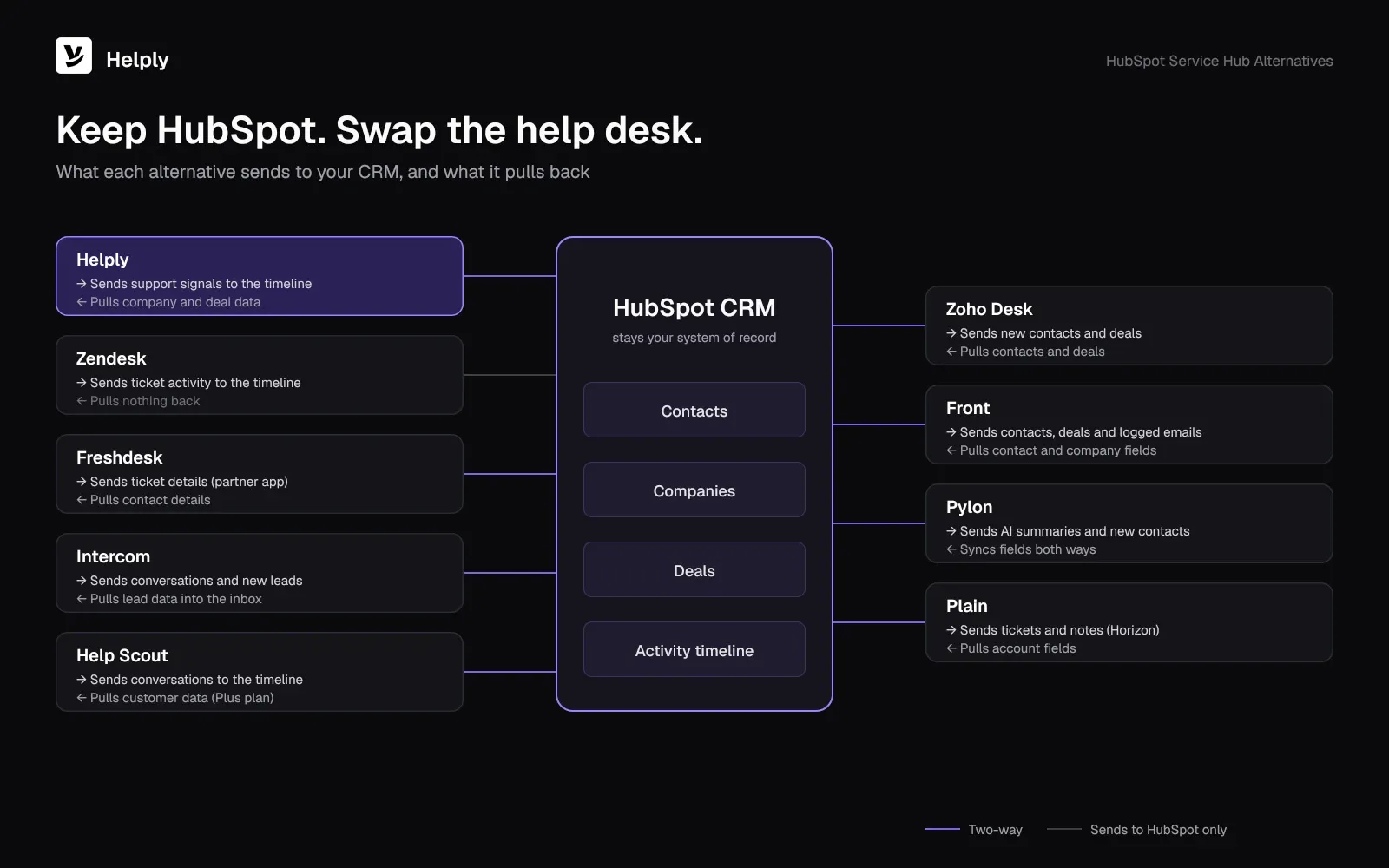
| Tool | Price (monthly, yearly) | AI pricing | Reads from HubSpot | Writes to HubSpot |
|---|---|---|---|---|
| Helply | Team plan, 10 agents (price below) | 15,000 AI credits included, pooled; 10 per full resolution | Company, contact and deal context | Signals, where configured (Team and up; Churn, Revenue and Feature Request agents on Pro) |
| Zendesk | Suite Team $69 per agent ($55) | 5 included resolutions per agent a month; $1.50 committed or $2.00 on demand after that | None listed | Ticket activity on the timeline; new contacts (Suite plans) |
| Freshdesk | Growth $23 per agent ($19) | One-time 500 sessions; $49 for each extra 100 | Contact details, via a partner app | Ticket details on the timeline |
| Intercom | Essential $29 per seat, billed yearly | $0.99 per Fin outcome | Lead data in the Inbox | Conversations logged; HubSpot workflows triggered |
| Help Scout | Plus $54 per user ($45), the plan with HubSpot | $0.75 per AI resolution | Customer data in Help Scout | Conversations on the timeline (Plus and up) |
| Zoho Desk | Express $9 per user ($7) | Zia built in | Contacts and deals | New contacts and deals |
| Front | Starter $35 per seat ($25) | Autopilot from $0.39 a conversation | Company and contact fields | Contacts, companies and deals; logged emails |
| Pylon | Professional $89 per seat, annual contract | Credits quoted by sales | Two-way field sync | Two-way field sync |
| Plain | Horizon $99 per user, billed yearly, the plan with HubSpot | 100 credits per resolution | Account fields (Horizon and up) | Tickets and notes |
1. Helply: AI Agents That Work from Your HubSpot Data
Helply is an AI-native customer support platform. HubSpot stays your system of record while Helply runs the help desk. The HubSpot integration gives your team and AI agents company, contact, deal and customer context before they act on an issue.
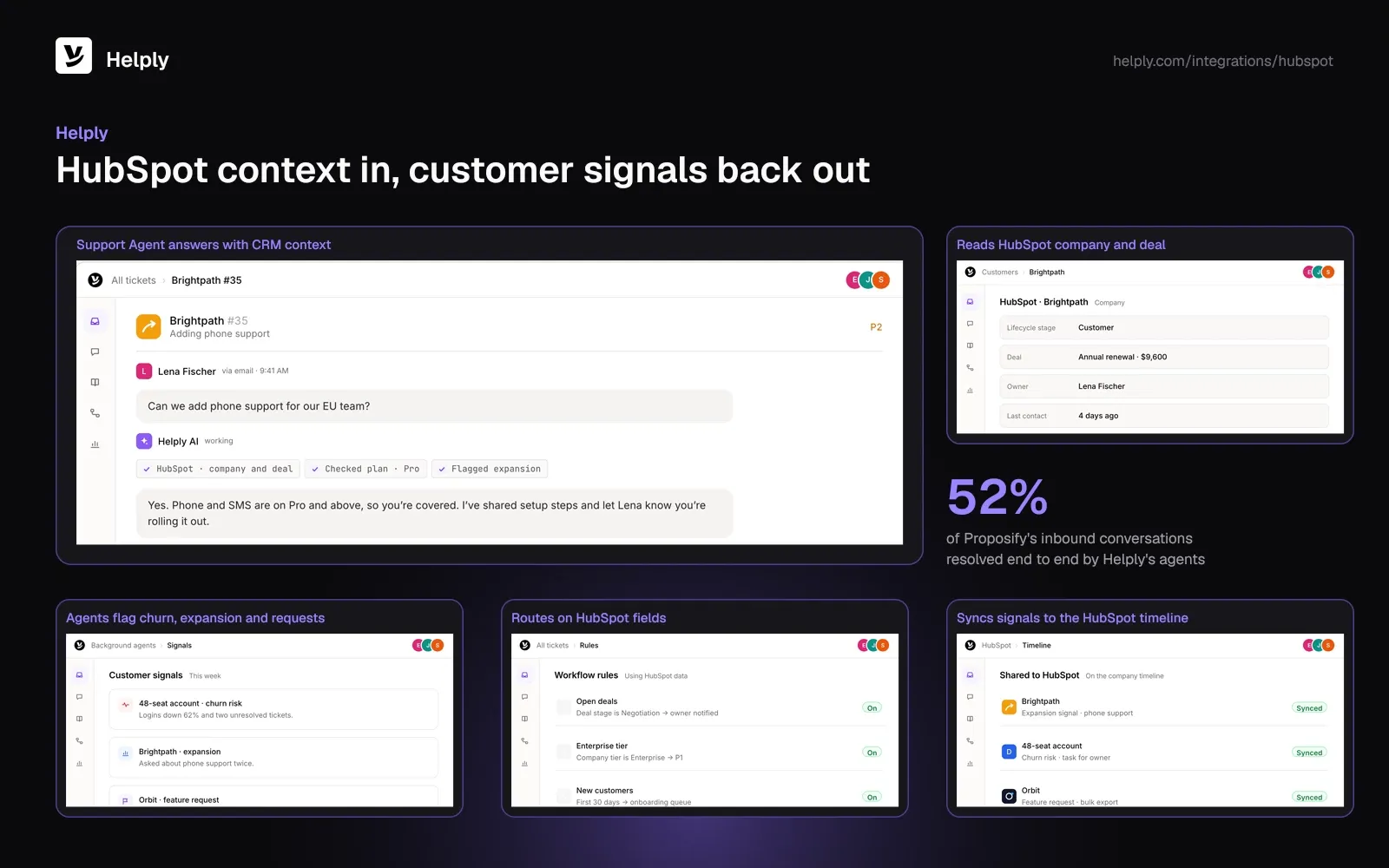
- Agents with CRM context. The Support Agent answers customers and can resolve conversations end to end. Inside each ticket, the Assist Agent writes draft replies your team can send.
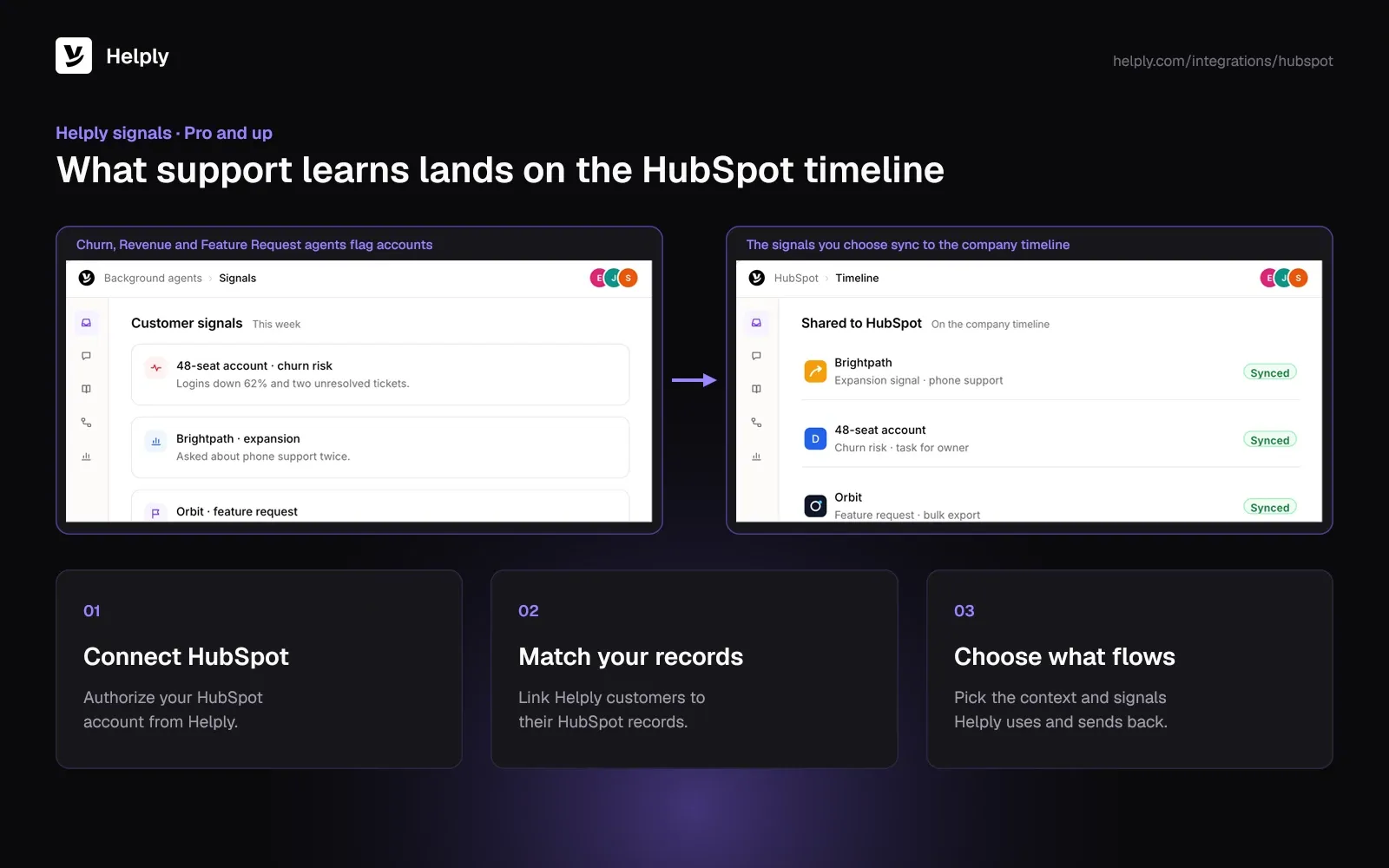
- Signals back to HubSpot. On Pro and up, the Churn, Revenue and Feature Request agents surface churn risk, expansion openings and feature requests. You choose which supported signals and Actions reach HubSpot.
- Routing on CRM data. You can set rules that prioritize and route conversations on HubSpot fields, such as company tier or deal stage.
- A three-step setup. Authorize HubSpot, match Helply customers to CRM records, then choose which context and signals Helply uses.
Proposify, a proposal management platform, moved support for its two products onto Helply. A support team member set it up with zero engineering time, and the plan includes Salesforce and HubSpot actions at no separate charge. Helply's agents now resolve 52% of inbound conversations end to end, and Proposify's team handles 34% fewer tickets, about 220 a month.
Pricing
The HubSpot integration starts on Team: $587 per month, or $499 with annual billing, for 10 agents and 15,000 AI credits. All Helply plans, listed on pricing, come with the Assist and Support Agents and a shared credit pool. Drafting a reply costs 2 credits, and a full resolution takes 10.
Pros
- Human agents and AI agents both see HubSpot context.
- You can send support signals back to HubSpot, where configured.
- Team comes with 15,000 AI credits that the whole team shares.
- Team includes a free migration and an onboarding call.
Cons
- The HubSpot integration needs Team or above.
- Churn, Revenue and Feature Request agents need Pro or above.
Best For
Teams that want AI agents to resolve conversations with HubSpot context and report what they learn back to the CRM.
2. Zendesk: Suite Ticketing with HubSpot Timeline Sync
Zendesk is a ticketing platform sold in Support and Suite plans. Its HubSpot app adds Zendesk ticket activity to the HubSpot CRM timeline and creates HubSpot contacts for new requesters.
- The HubSpot app needs a Suite plan.
- The smaller Support Team plan lists at $25 per agent per month, or $19 with annual billing.
- Zendesk sells Copilot as an add-on, at $50 an agent on yearly billing.
Pricing
Suite Team lists at $69 per agent per month, or $55 with annual billing. Suite Professional costs $149 ($115). Zendesk adds 5 automated resolutions per Suite Team agent to the monthly pool, and extras cost $1.50 committed or $2.00 otherwise.
Pros
- Zendesk posts ticket history to HubSpot contact timelines.
- Each Suite Team agent includes an AI resolution allowance.
Cons
- The HubSpot app sends data one way, from Zendesk to HubSpot.
- AI resolutions beyond the allowance add a per-resolution bill.
Best For
Large support teams that want Suite ticketing and ticket history on HubSpot contacts.
Zendesk or Helply?
Choose Zendesk for Suite ticketing with a per-agent AI allowance. Choose Helply if you want AI agents to use HubSpot deal and company context and send signals back. Compare them on Helply vs. Zendesk.
3. Freshdesk: Lower Per-Agent Prices
Freshdesk is a ticketing help desk from Freshworks with automation, a knowledge base and the Freddy AI tools. It connects to HubSpot through a partner app on the Freshworks Marketplace, built by Spritle Software.
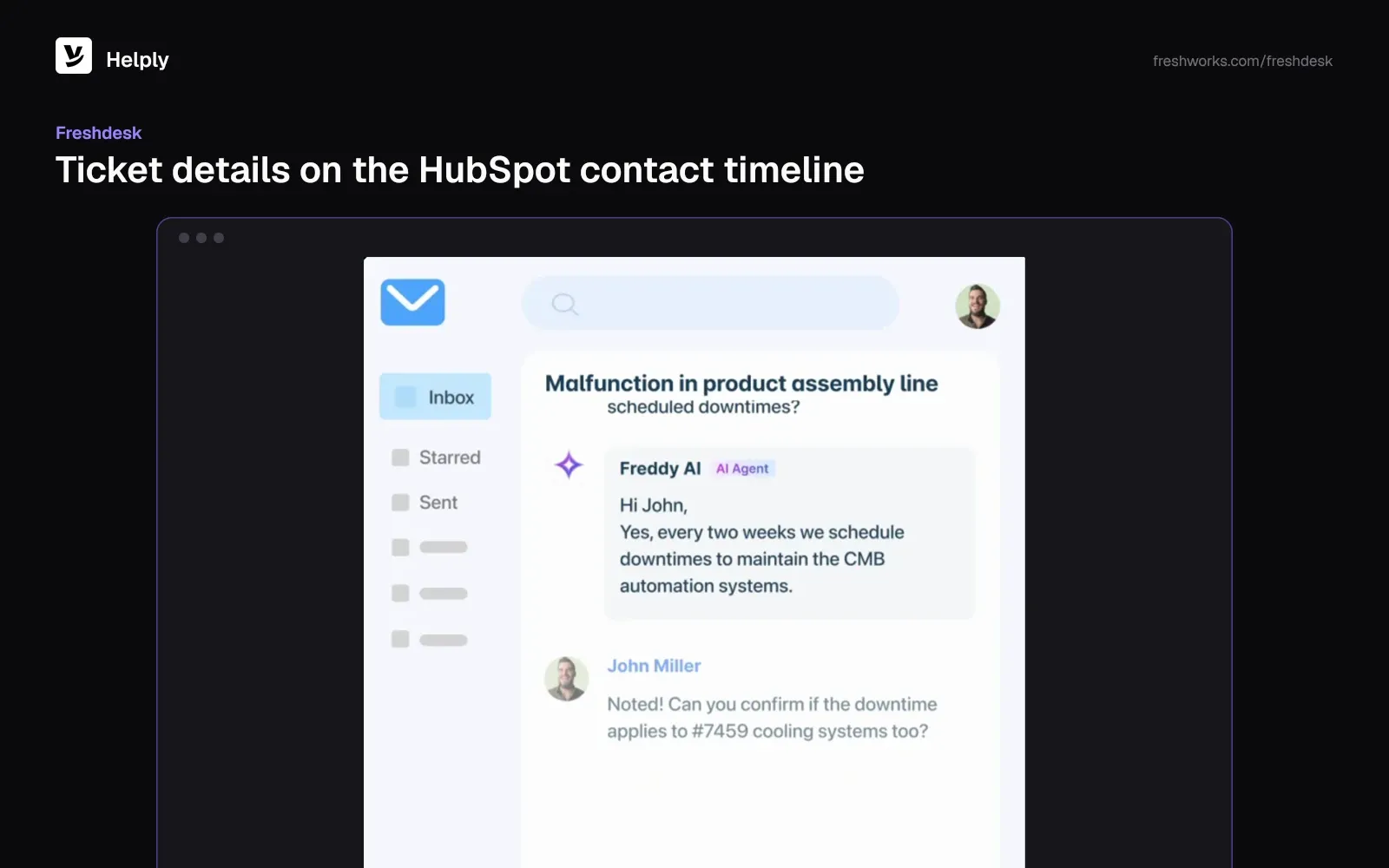
- The app shows HubSpot contact details in Freshdesk.
- It logs ticket details on the HubSpot contact timeline.
- Freddy AI Copilot runs on Pro and Enterprise.
Pricing
On monthly billing, Freshdesk Growth is $23 an agent, Pro $66 and Enterprise $107. Yearly billing drops those to $19, $55 and $89. Each account gets a one-off allowance of 500 AI Agent sessions, and Freshdesk bills $49 for each further 100.
Pros
- Low entry price per agent.
- Contact details in, ticket details out, through the partner app.
Cons
- The HubSpot connection depends on a third-party app.
- Freddy Copilot adds $35 per agent per month, or $29 with annual billing, from Pro.
Best For
Budget-minded ticketing teams that accept a partner-built HubSpot connection.
Freshdesk or Helply?
Freshdesk keeps the per-agent price low. Helply includes AI credits in the plan, and its AI agents use HubSpot company, contact and deal context. Compare them on Helply vs. Freshdesk.
4. Intercom: In-App Messaging with Fin
Intercom pairs a messenger and shared inbox with Fin, its AI agent. Its HubSpot app, a HubSpot certified app, brings HubSpot lead data into the Intercom Inbox.
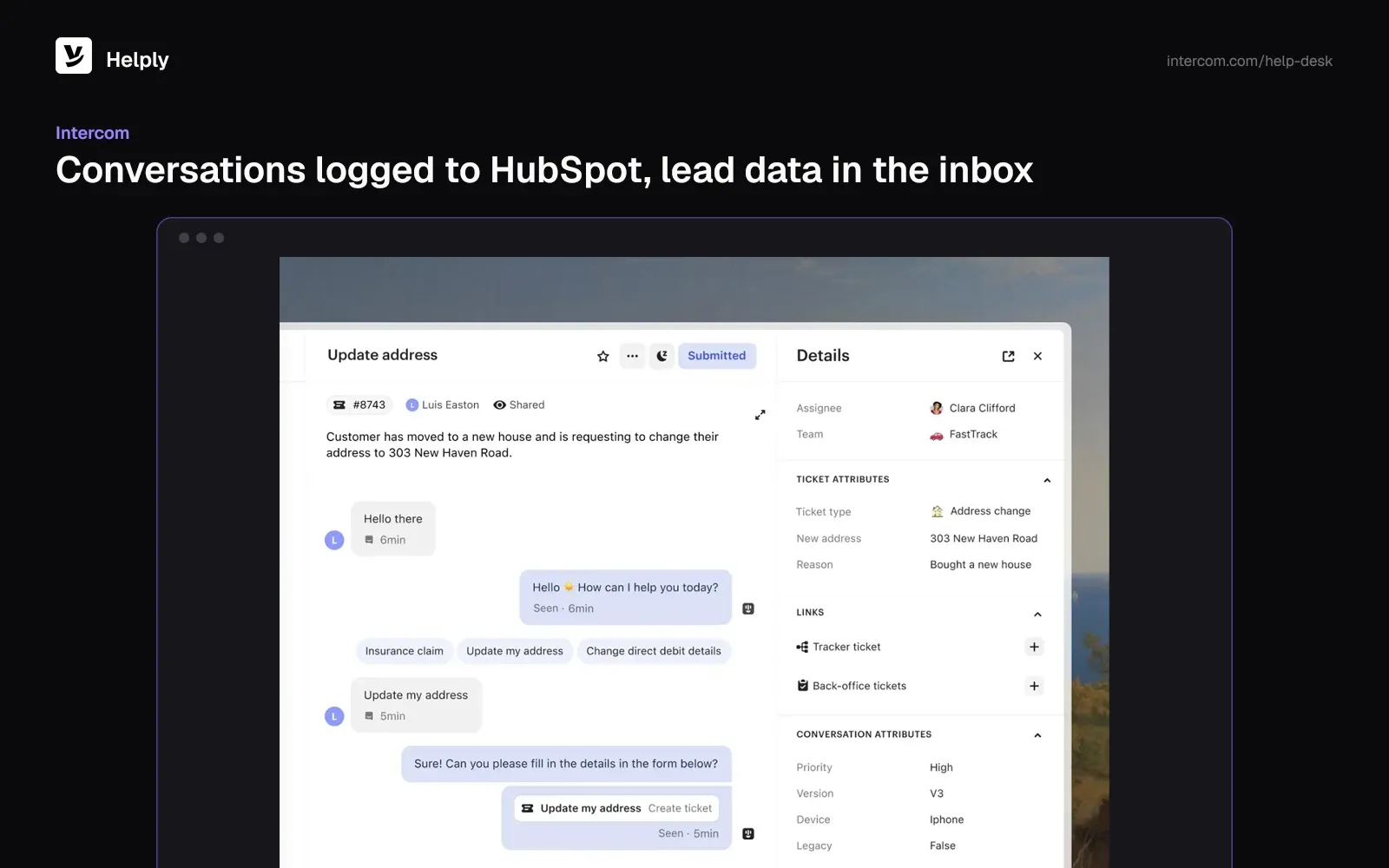
- Intercom logs conversations to the lead's HubSpot activity timeline.
- Intercom conversations can trigger HubSpot workflows.
- Fin also works with other help desks, with a 50-outcome monthly minimum.
Pricing
Intercom lists Essential at $29 a seat on yearly billing. Advanced runs $99 a seat a month ($85 on yearly billing), and Expert runs $139 ($132). Intercom bills Fin at $0.99 an outcome on every plan.
Pros
- Messenger and shared inbox in one product, with Fin built in.
- Conversations can trigger HubSpot workflows.
Cons
- Intercom bills each Fin outcome, so the AI bill rises with volume.
- Advanced and Expert cost more per seat.
Best For
Product-led companies that support customers inside their app and want Fin on top.
Intercom or Helply?
Intercom bills seats plus Fin outcomes. Helply bundles AI credits into each plan and uses HubSpot context in AI resolutions. Compare them on Helply vs. Intercom.
5. Help Scout: Email-First Support
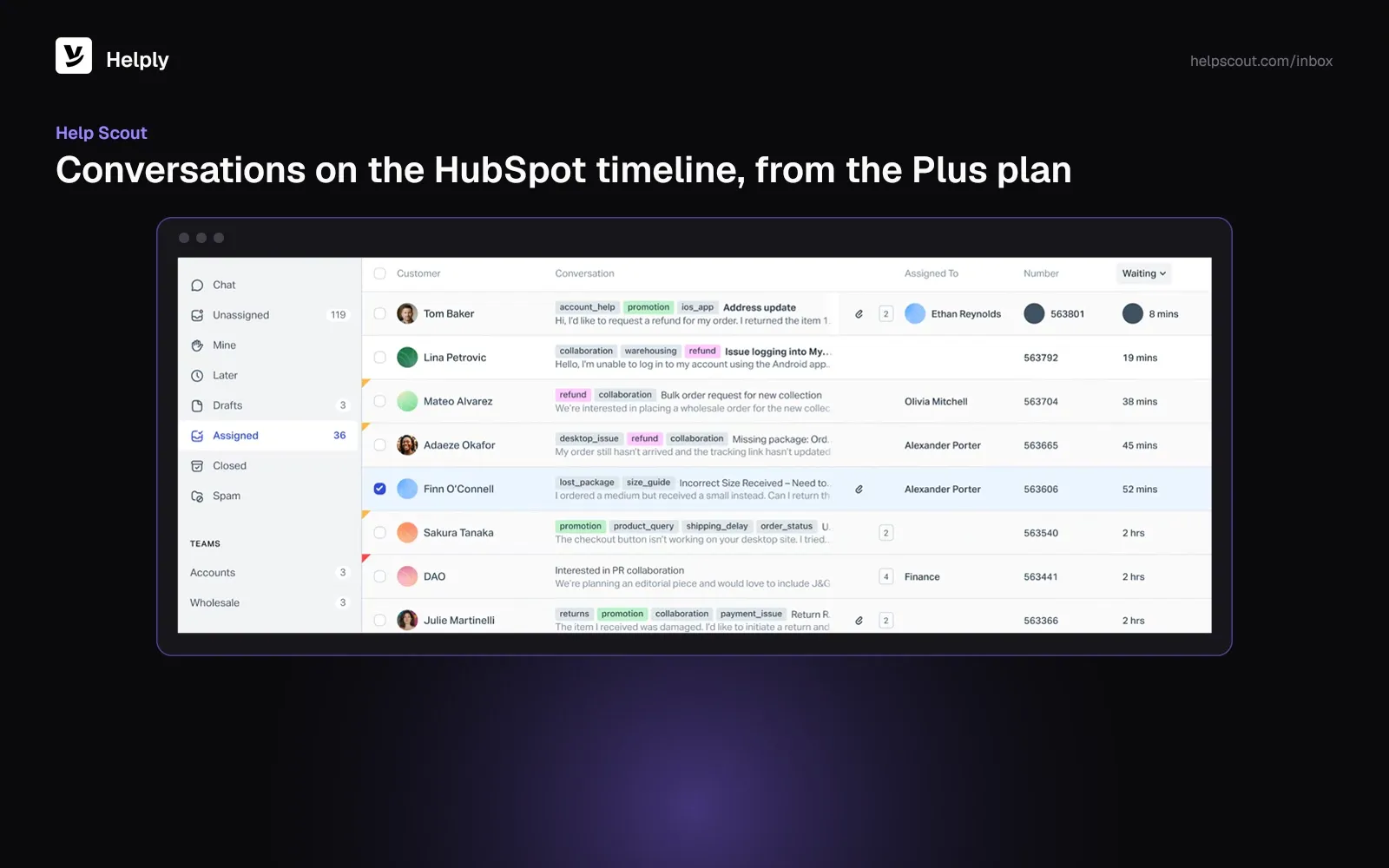
Help Scout is a shared inbox and help center built for email-heavy teams. Its HubSpot app, a HubSpot certified app, shows HubSpot customer data in Help Scout and puts conversations on the HubSpot timeline.
- Help Scout offers a free tier for teams of up to 5 users.
- The HubSpot integration needs the Plus plan.
- Teams can set a monthly ceiling on AI resolutions.
Pricing
Standard on Help Scout costs $30 per user per month, or $25 with annual billing. Plus, the plan with HubSpot, runs $54 ($45), and Pro runs $90 ($75). Each AI resolution adds $0.75.
Pros
- Free plan for up to 5 users.
- HubSpot data and timeline sync on Plus.
Cons
- HubSpot isn't on the entry paid plan.
- Each AI resolution adds a $0.75 charge.
Best For
Small, email-first teams that want a simple inbox with HubSpot on Plus.
Help Scout or Helply?
Help Scout fits a simple email queue. Helply adds AI agents that resolve conversations and route on HubSpot data. Compare them on Helply vs. Help Scout.
6. Zoho Desk: A Low-Cost Paid Entry
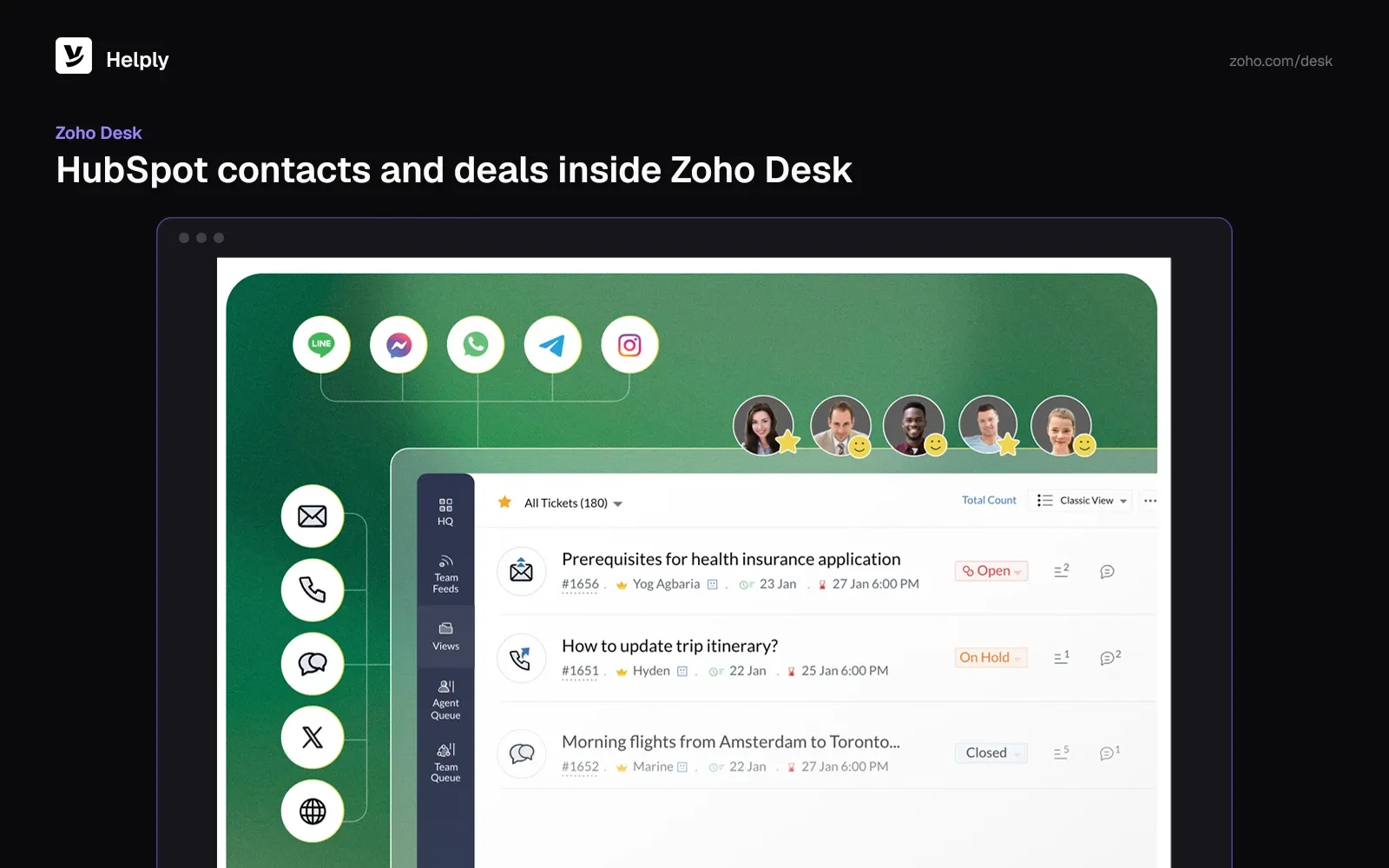
Zoho Desk is a multichannel help desk with Zia AI built in. Zoho builds its own HubSpot extension, which shows HubSpot contacts and deals in Zoho Desk and adds new ones to HubSpot.
- A free plan covers 3 users.
- Zoho Desk's AI Agents come with a monthly allowance of up to 30M tokens.
- The HubSpot extension lives on the Zoho Marketplace.
Pricing
Zoho Desk charges $9 a user a month for Express ($7 on yearly billing). The other tiers are Standard at $20 ($14), Professional at $35 ($23), and Enterprise at $50 ($40).
Pros
- Lowest paid entry price of the nine.
- Zoho builds and maintains the HubSpot extension.
Cons
- HubSpot runs through a marketplace extension.
- The extension covers contacts and deals.
Best For
Cost-focused teams that want a low per-user price and a Zoho-built HubSpot link.
Zoho Desk or Helply?
Zoho Desk costs less to start. Pick Helply when you want AI agents to resolve conversations with HubSpot context and send signals back.
7. Front: Shared Inboxes with HubSpot Records
Front is a collaborative shared inbox for email and messaging. Its HubSpot integration lets agents create and edit HubSpot contacts, companies, deals and activities from Front.
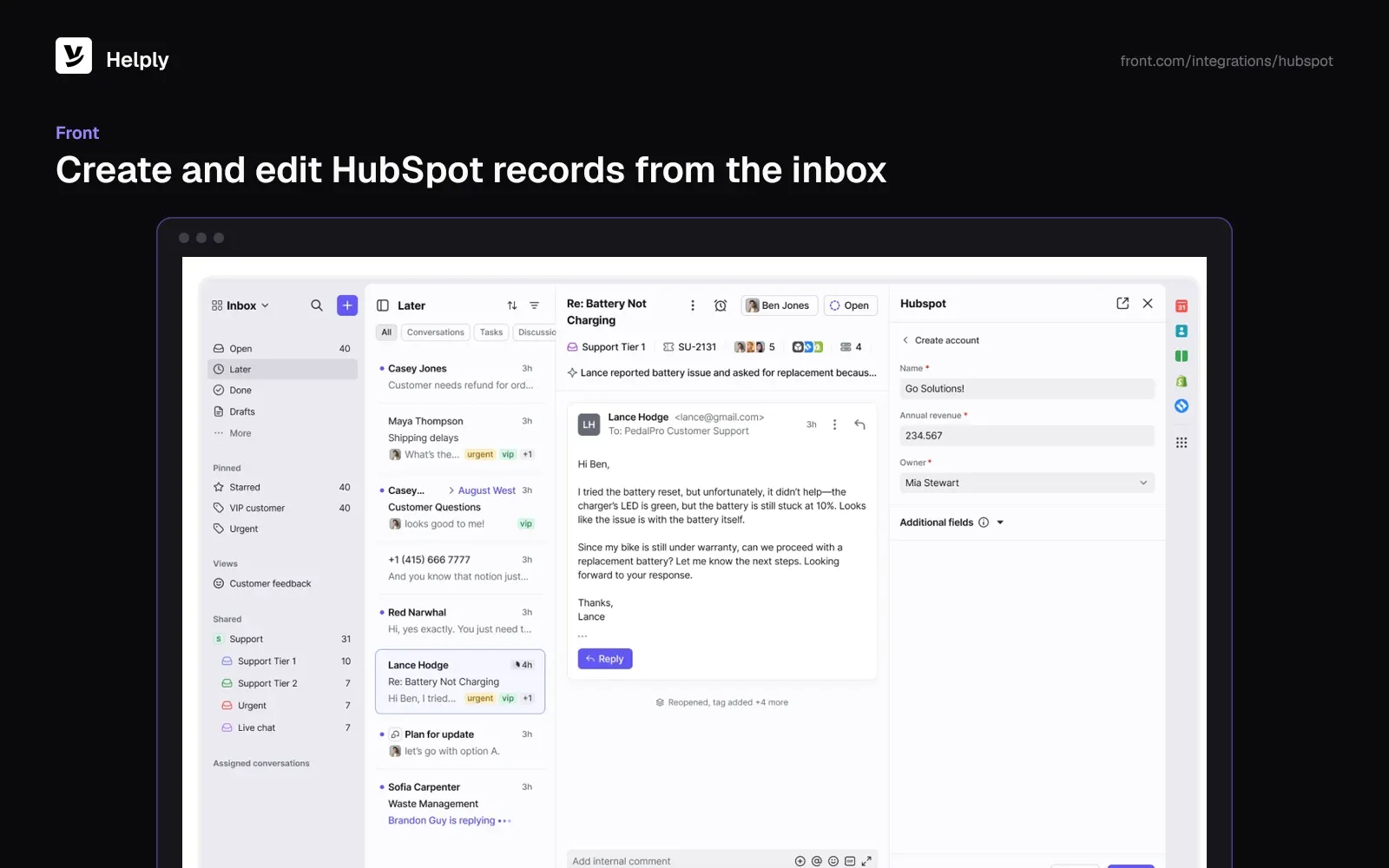
- Field sync brings HubSpot company and contact data into Front.
- You can set rules that log emails in HubSpot.
- Starter holds up to 10 users.
Pricing
Front lists Starter at $35 per seat per month, or $25 with annual billing, and Professional at $85 ($65). Copilot is a $20 per seat add-on, and Autopilot starts at $0.39 a conversation.
Pros
- Agents create and edit HubSpot records from the inbox.
- HubSpot company and contact fields sync into Front.
Cons
- Front sells Copilot and Autopilot as add-ons.
- Starter caps at 10 users.
Best For
Teams that run support from shared inboxes and edit HubSpot records as they reply.
Front or Helply?
Front suits inbox-first collaboration. Helply adds AI agents that resolve conversations end to end with HubSpot context. Compare them on Helply vs. Front.
8. Pylon: B2B Support in Slack and Teams
Pylon handles support in Slack and Microsoft Teams, plus email, chat, SMS, WhatsApp and phone. Its HubSpot integration syncs fields in either direction.
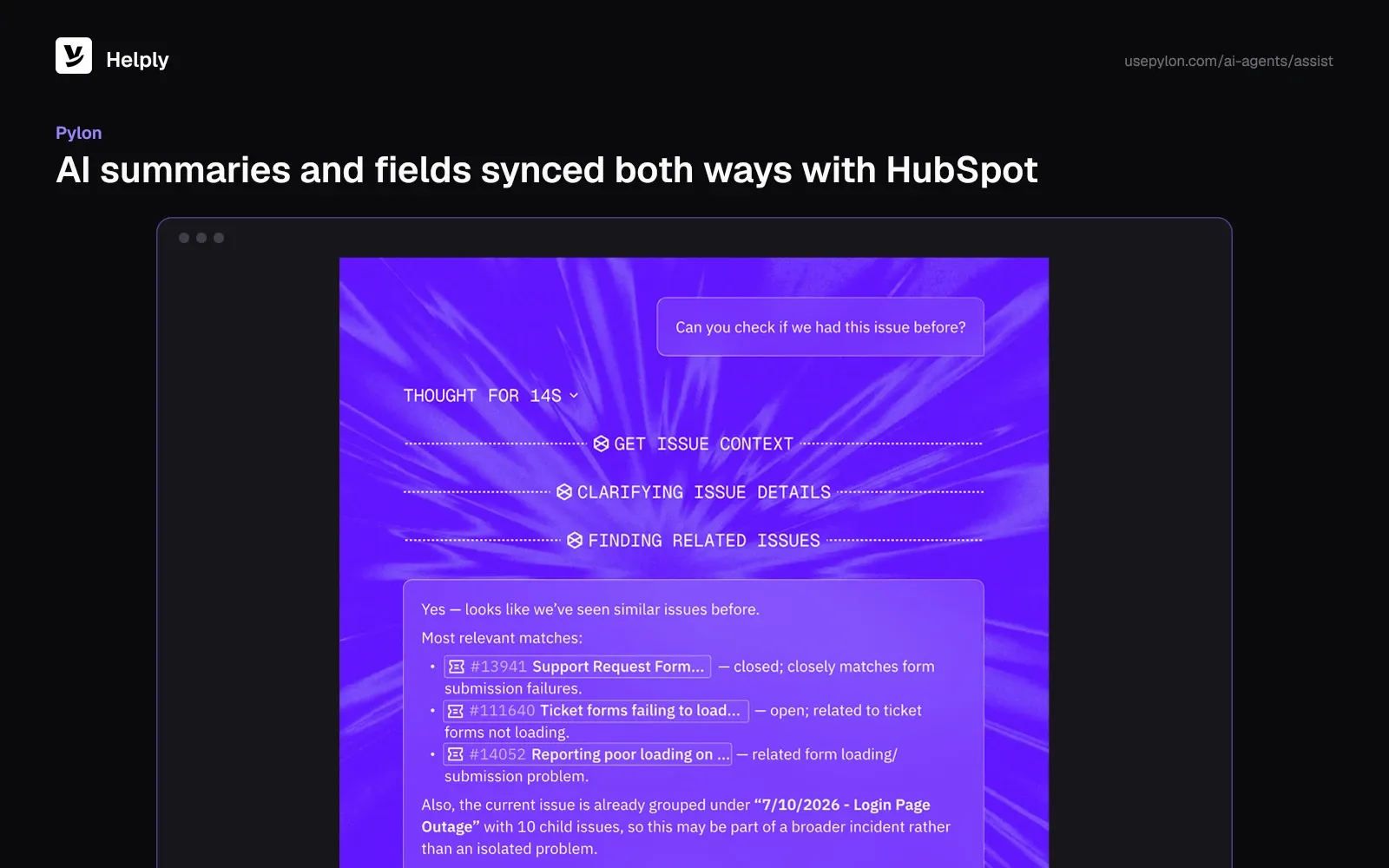
- Pylon syncs AI conversation summaries to the matching HubSpot account.
- Pylon adds new Slack channel members to HubSpot as contacts.
- Account Intelligence is a $10 per customer account add-on.
Pricing
Pylon lists Professional at $89 a seat a month under a yearly contract, and Advanced at $139. Pylon's sales team prices AI credits from your ticket volume.
Pros
- Pylon runs support inside Slack Connect and Teams channels.
- Two-way HubSpot field sync.
Cons
- No published monthly price or credit price.
- Annual contract on the listed seat prices.
Best For
B2B teams that support customers in shared Slack or Teams channels.
Pylon or Helply?
Pylon centers on Slack and Teams channels. Helply covers Slack Connect from its Team plan upward, adds Microsoft Teams at Pro, and publishes credit prices. Compare them on Helply vs. Pylon.
9. Plain: B2B Support with HubSpot on Horizon
Plain calls itself "The AI Support Stack Built for B2B." Its HubSpot integration pulls in customer and company data and writes tickets and notes back.
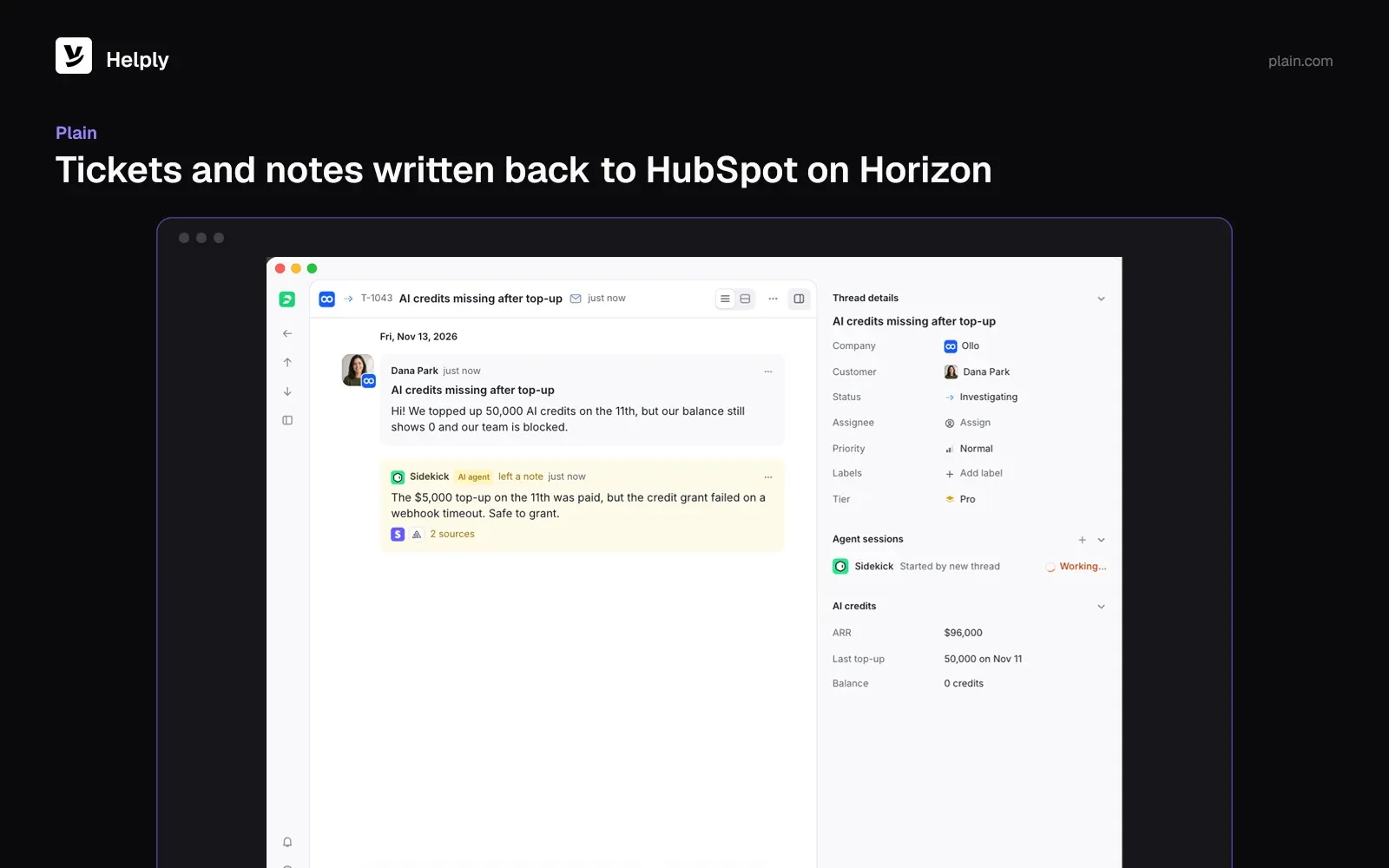
- HubSpot account fields sync one way, into Plain.
- The HubSpot integration needs Horizon or Frontier.
- Plain's API lets teams take any action the app can.
Pricing
Plain lists Foundation at $45 a user on yearly billing, for up to 5 users. Horizon, the plan with HubSpot, runs $99 a user on yearly billing. AI uses 100 credits per resolution, and extra credits cost $10 per 1,000.
Pros
- Plain's API can take any action the app can.
- Tickets and notes can reach HubSpot.
Cons
- HubSpot needs Horizon or Frontier.
- Account fields sync one way.
Best For
B2B teams on Horizon that want tickets and notes written back to HubSpot.
Plain or Helply?
Plain suits teams that build on its API. Pick Helply for AI agents and routing on HubSpot data without custom code. Compare them on Helply vs. Plain.
Keep Service Hub or Move Support to a New Help Desk?
Stay on Service Hub if one database matters more than help desk depth, and you've already paid the Professional onboarding fee. Move if seat costs and credit-billed AI strain your support budget. For lower entry prices, look at Zoho Desk or Freshdesk; for Slack-heavy B2B support, Pylon.
Choose Helply if you want HubSpot to stay the customer record while AI agents resolve conversations end to end. On Pro and up, background agents flag churn risk and expansion openings, and supported signals reach HubSpot where configured.
Team includes a free migration and an onboarding call. Helply moves conversations and customers off Zendesk, Intercom, Freshdesk, Help Scout and Front, plus help centers from the first four. Start with one inbox and connect HubSpot; the Helply team scopes a Service Hub move on a demo.
Frequently asked questions
Partly. HubSpot's free Service Hub tier covers up to 2 users. Paid help desk features start on Starter at $20 a seat a month and Professional at $100 a seat ($90 on annual billing).
Professional runs $100 a seat a month, or $90 with annual billing. Onboarding adds a mandatory one-time $1,500 fee. Professional includes 3,000 HubSpot credits.
Yes, you can keep HubSpot as the CRM and replace only Service Hub's help desk. Helply reads HubSpot company, contact and deal context and sends signals back where configured, from the Team plan. Pylon syncs fields both ways, and Help Scout and Intercom log conversations to the HubSpot timeline.
Judge each tool by what it writes back. Helply suits teams that want AI agents to resolve conversations with HubSpot deal context and send signals back where configured. Pylon fits Slack-first B2B support with two-way field sync, and Zoho Desk has paid plans from $9 a user a month ($7 yearly).
The Customer Agent uses 50 HubSpot credits for each text conversation it resolves. At $0.010 a credit, that's about $0.50 a resolution. Unused HubSpot credits don't roll over.
Helply sends support signals back to HubSpot where configured. Pylon syncs fields both ways, and Front creates and edits HubSpot records. Plain writes tickets and notes, while Zendesk, Intercom, Help Scout and Freshdesk's partner app log activity to the timeline.
Yes. Helply can prioritize and route conversations on HubSpot data, such as company tier or deal stage. The HubSpot integration starts on the Team plan.
Ask each vendor how it imports Service Hub tickets and contacts. Helply's Team plan includes a free migration and an onboarding call, and the Helply team scopes a Service Hub move on a demo.
About the author

Bildad Oyugi
Head of Content
Bildad is a digital marketing expert with over 5 years of experience in copywriting, content marketing, and editing. Outside of work, he enjoys videography and spending time with his family.
Keep reading

Customer Support Dashboard Examples for Teams, Managers and Executives
Konrad Janczyk · 8 min read
Front Alternatives: 8 Support Tools Priced for a Five-Person Team
Jared Scheel · 24 min read